3.
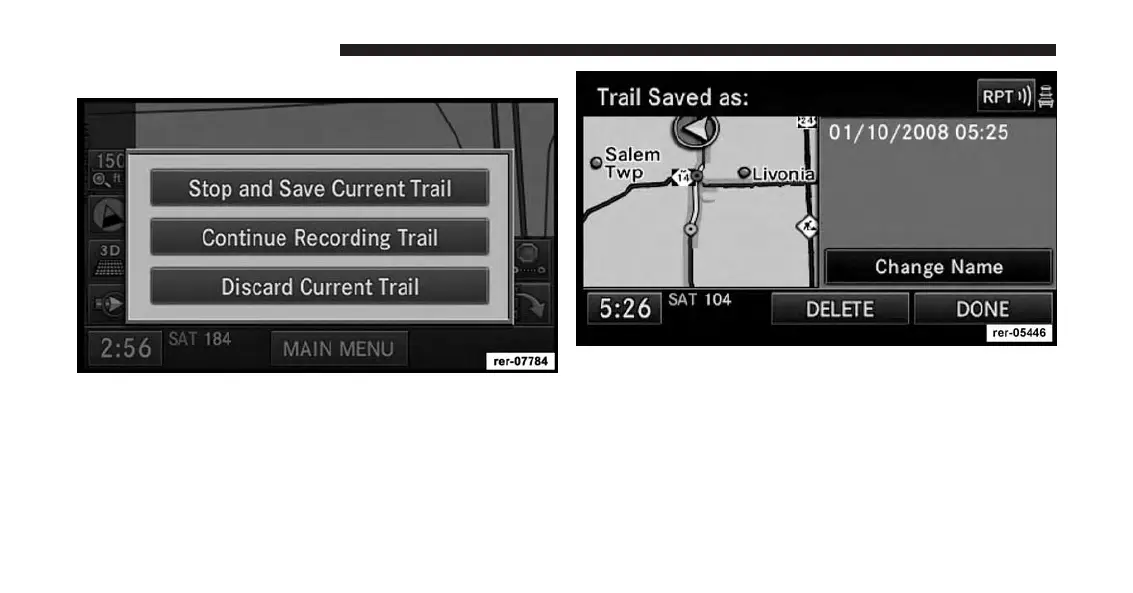
Touch the Stop Trail soft-key to stop the trail recording.
• Touch Discard Current Trail to discard the trail and
stop the recording.
• Touch Continue Recording Trail to continue the
recording.
4. Touch Stop and Save Current Trail.
The trail will be named with time and date of the
recording.
5. Touch the Change Name soft-key to edit the trail
name.
6. Touch the EXIT soft-key to save the trail recording
without changing the name.
170 Uconnect® GPS Navigation



 To Next Page