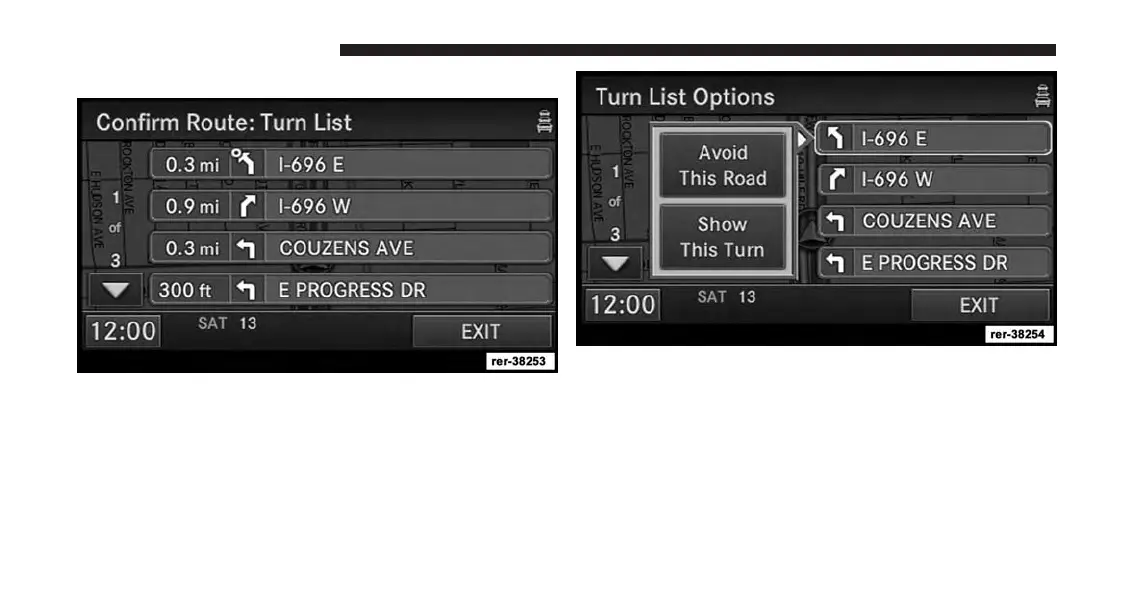
View Turn List to see a list of turns on the route.
Use the page soft-keys to scroll through the list of turns.
The turn soft-keys display the length of the route seg-
ment, direction of turn, and the name of the street.
Touch a street in the list either to avoid the street or to
preview the turn in the map view.
Touch the Avoid This Road soft-key to avoid the selected
turn in the list. The route will be re-calculated, if an
alternate route is possible.
Touch the Show This Turn soft-key to display a map of
the area surrounding the selected turn.
186 Uconnect® GPS Navigation



 To Next Page