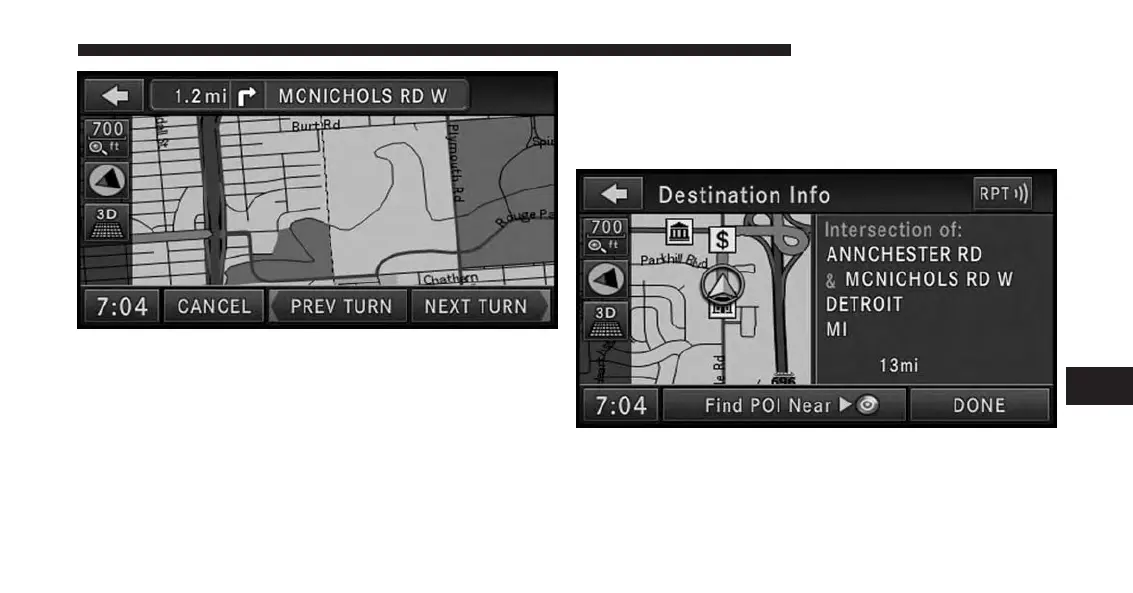
The turn will be displayed in the center of the map. Touch
the NEXT TURN soft-key to show a map of the area close
to the next turn in the turn list, touch the PREV TURN
soft-key to show a map of the area close to the previous
turn in the turn list.
Touch the Back soft-key to go back to the Turn List menu.
Touch the Find POI Near Destination soft-key to ex-
change the destination with a POI near to the desired
destination. Read more about POI in the POI section of
this manual.
Press Save Destination to save the destination address.
Touch the Change Method soft-key in the NAV Options
menu to change the default routing method.
7
Uconnect® GPS Navigation 187



 To Next Page