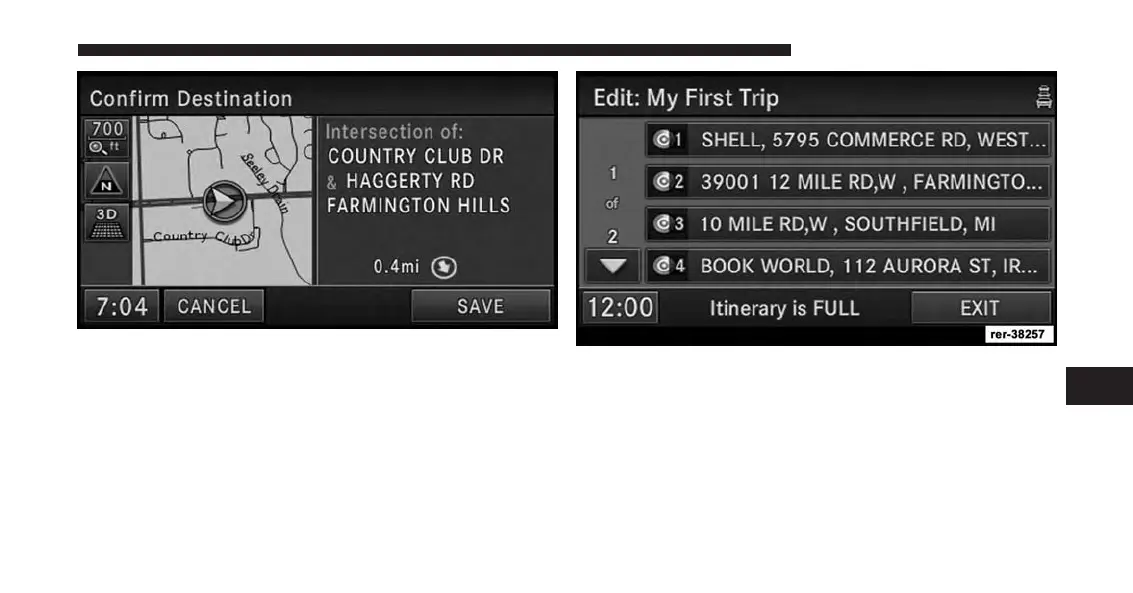
In the Confirm Destination screen:
6. Touch the SAVE soft-key to add the destination to the
list.
NOTE:
You can add up to eight destinations to a trip. The
display shows the Itinerary is FULL message in the
status line if all eight destinations are used.
7. Touch the EXIT soft-key to access the My Trips menu.
7
Uconnect® GPS Navigation 197



 To Next Page