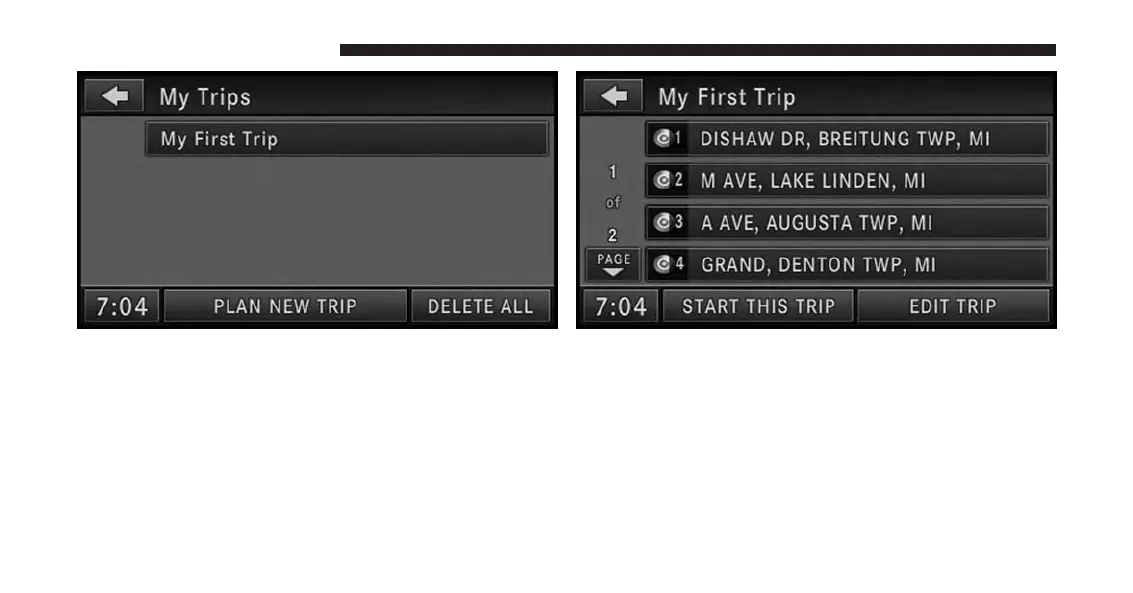
8. You may now either PLAN NEW TRIP, DELETE ALL
your trips, or select your trip by touching the soft-key
with the desired trip name.
NOTE:
You may add up to 12 trips to the list. The display
shows the My Trips is FULL message in the status line
if all 12 trips are used.
9. Touch a destination soft-key to get the destination
information, or touch the START THIS TRIP soft-key
to start the trip.
10. Touch the GO soft-key to confirm the first destination
of the trip.
You may touch the EDIT TRIP soft-key to edit the trip.
198 Uconnect® GPS Navigation



 To Next Page