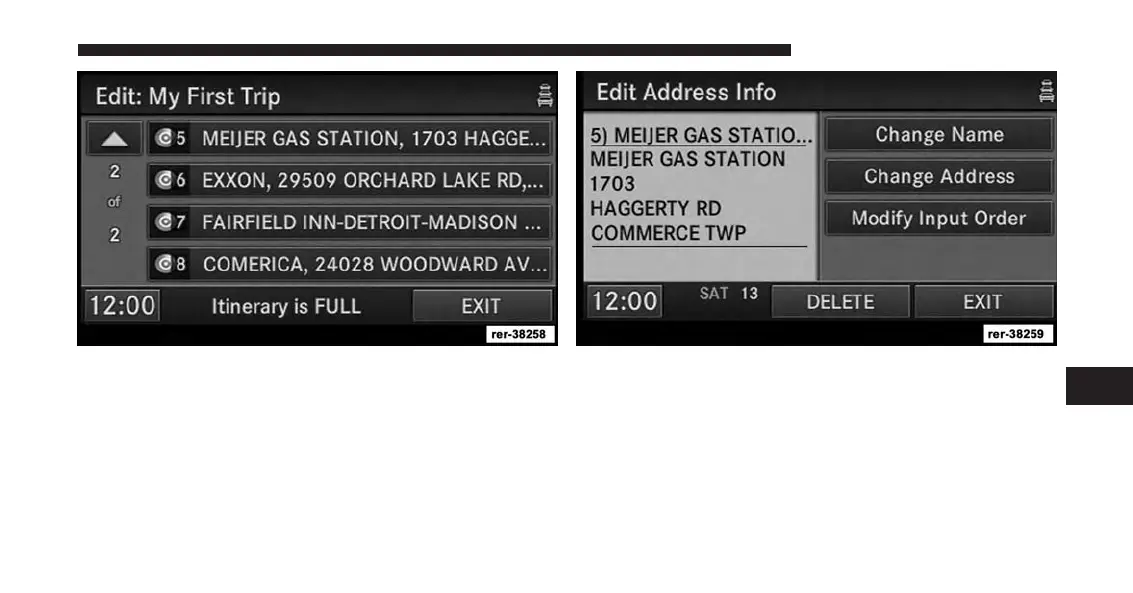
In the Edit Trip menu you may rename, delete, or edit the
details of this trip. Touch a destination in the list.
From the Edit Trip menu touch the desired destination
you would like to edit.
You may now Change Name or Change Address.
Touch the EXIT soft-key to confirm your changes.
Touch the Modify Input Order soft-key in the Edit
Address Info menu to rearrange the order of the destina-
tions in the trip.
7
Uconnect® GPS Navigation 199



 To Next Page