Tone Out mode
This page applies only to the BCT15X. For other models see:
● BCD396XT and BC346XT Tone Out Mode
● BCD996XT Tone Out Mode
With the tone out feature, the scanner monitors up to 10 different channels for paging tones (two-tone
sequential, single tone, and group tone). Normally, the scanner monitors each of the 10 channels in turn.
However, if any tone-out channels share the same frequency, modulator, and attenuator settings, the scanner
checks these channels simultaneously.
Configuring Tone Out channels
To configure Tone-Out channels:
1. MENU --> Tone-Out for... --> Tone-Out Setup.
2. Select the Tone-Out channel ( Tone-Out 1 through Tone-Out 10 ) you want to configure.
3. Press E to enter the configuration menu and set the properties as desired.
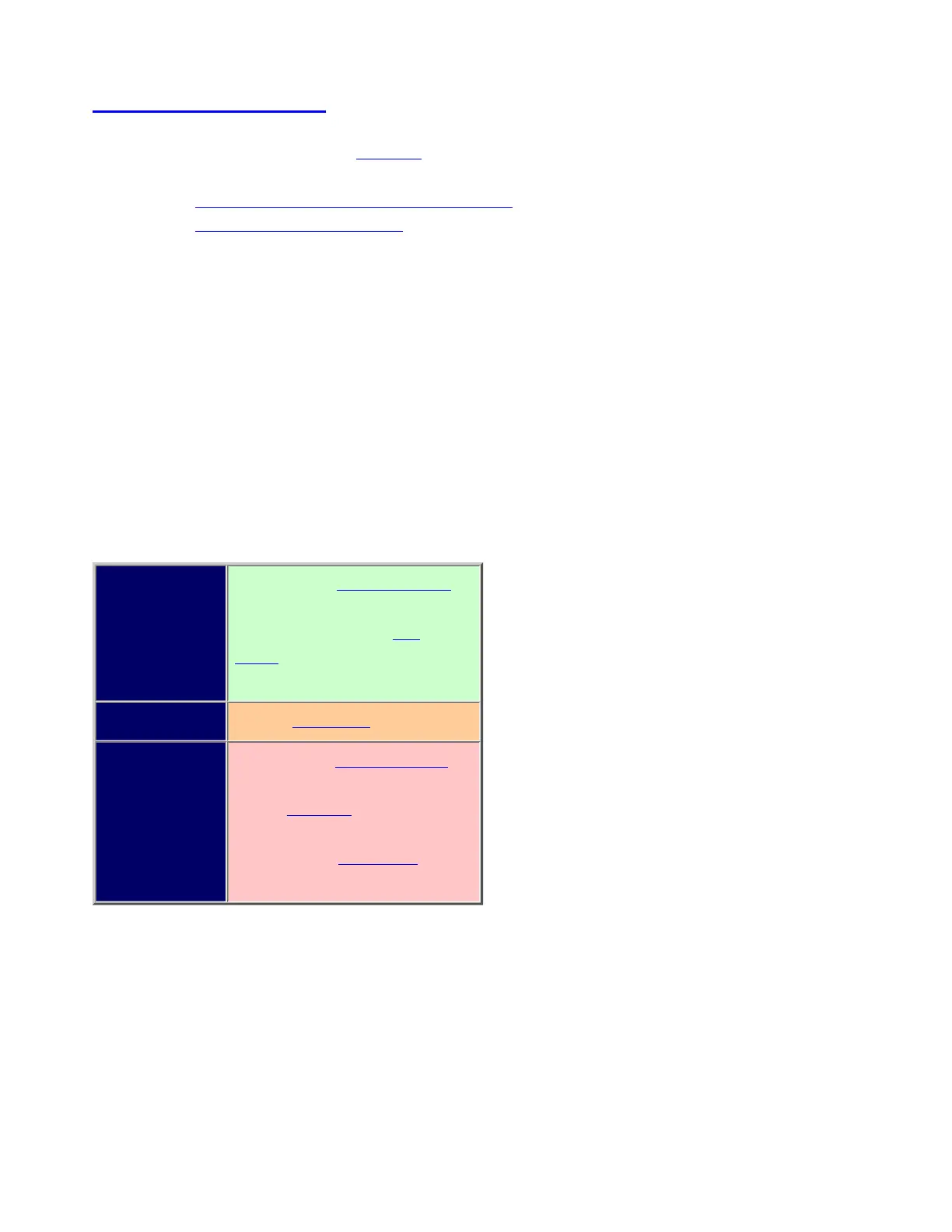
Required Frequencies ( Set Frequencies)
Tone A and Tone B ( Set
Tones)
Recommended Name ( Edit Name)
Optional Delay Time ( Set Delay Time)
Alert ( Set Alert)
Record Flag ( Set Record)
Using Tone-Out Mode
To start a Tone-Out search, MENU --> Tone-Out for... --> Tone-Out Standby. The scanner starts searching the
most recently-used Tone-Out channel (and any other Tone-Out Channels that have the same frequency,
modulation, and attenuator settings).
● If you want to search a different channel, just turn the SCROLL knob until you find the channel you
want.
● To exit Tone-Out mode, tap SCAN.
file:///C|/Documents%20and%20Settings/POpitz/My%20.../temp/CDImage_090515/Manual/BCT15XToneOutMode.html (1 of 4)5/26/2009 11:12:59 AM



 To Next Page