settings.
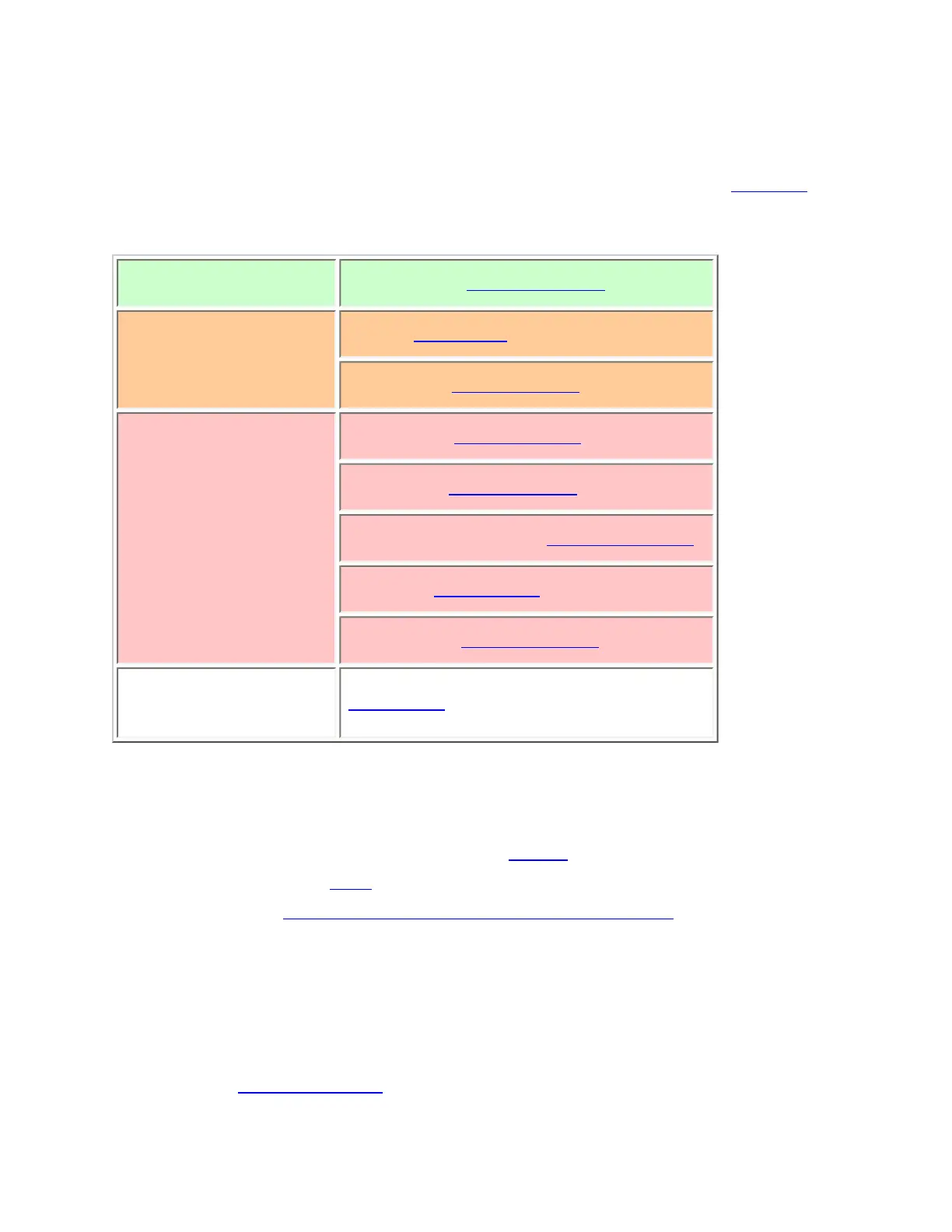
Site properties
(All of these options can be found by selecting the site name under the Edit Site menu. If
necessary, the sub-menu and the exact option name are listed beside each property.)
Required
Frequencies (Set Frequencies)
Recommended
Name (Edit Name)
Quick key (Set Quick Key)
Optional
Attenuator (Set Attenuator)
Hold time (Set Hold Time)
Location information (Set LocationInfo)
Lockout (Set Lockout)
Startup key (Set Startup Key)
Available
Operations
Delete Site
Programming a system for Scanning
Once you create the system and site, you can Search the system with no problems.
However, if you want to
Scan the system, you'll need to program the required elements
in following order (
click here for information on using the menu):
Create a channel group
Each P25 system can contain up to 20 channel groups.
1. On the Program System menu, select the system you just created.
file:///C|/Documents%20and%20Settings/POpitz/My%20Do..._090515/Manual/SingleFrequencyP25TrunkedSystems.html (3 of 5)5/26/2009 11:11:55 AM



 To Next Page