Authority management
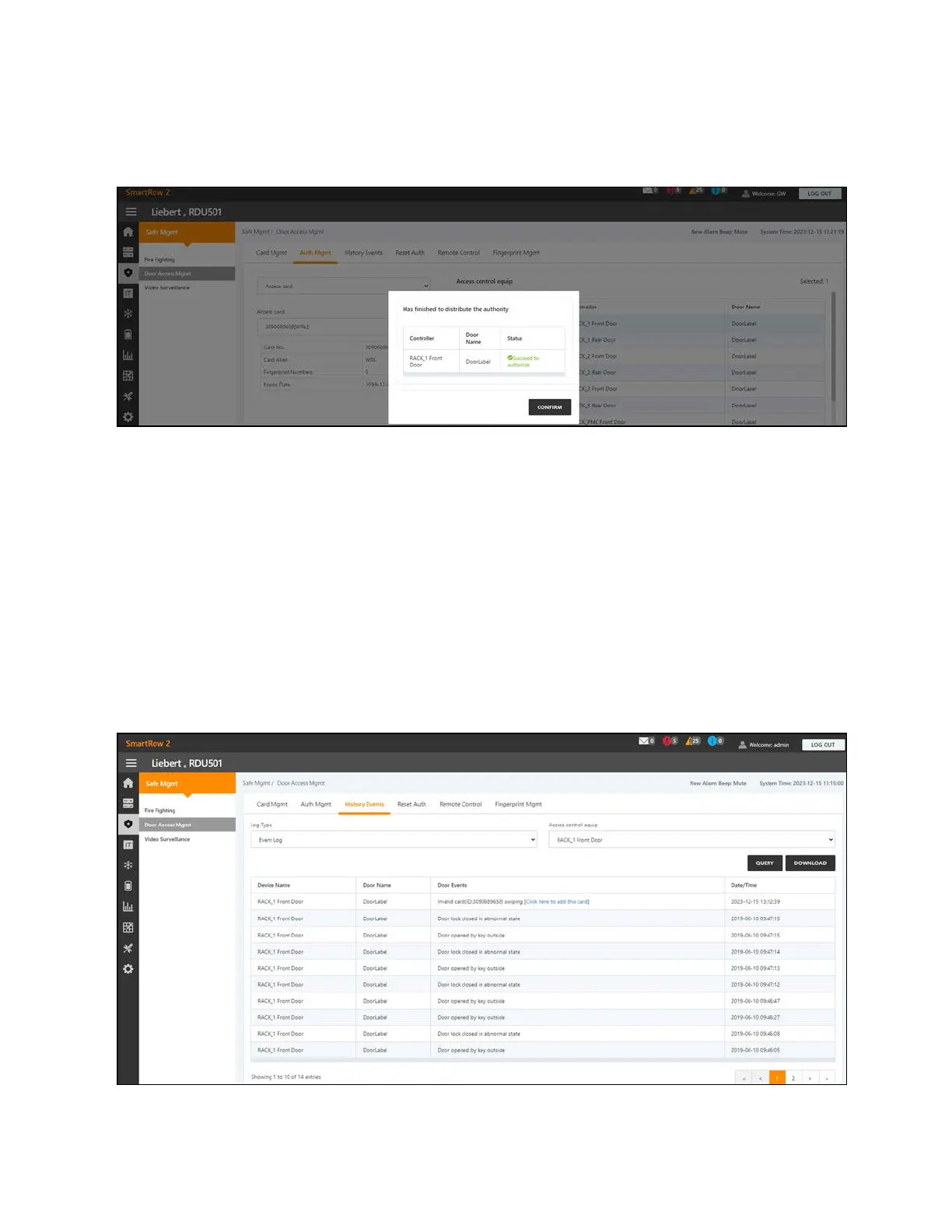
Figure 9.7 Authorization Management
To configure authorization settings:
1. From the Safe Mgmt - Door Access Mgmt tab, click the Auth Mgmt tab.
2. Use the drop-down menu to select the controller/lock.
3. Check or uncheck the access control card.
4. Click Save to authorize or deauthorize the access control card.
NOTE: The maximum number of users for a single operation is 4. The maximum number of locks for a single operation
is 100.
History events
The History Events page allows you to query the historical records of events and door openings for the access control
devices.
100 Proprietary and Confidential ©2024 Vertiv Group Corp.
9 Vertiv™ Liebert® RDU501
Intelligent Monitoring Unit Web User
Interface (UI)
Vertiv™ SmartRow™ 2 Infrastructure Solution User Guide



 To Next Page