Parameter Description
Access card
number
Manually enter the card number, or install a card reader to automatically read the card number. Click to download the card
reader plug-in. To view the plug-in help details, click the question mark icon.
Cardholder (Optional) Name of the cardholder.
Password The password must use numbers only and be at least four digits long.
Valid period Desired period of validity for the access card.
Gender Male or female.
Telephone number (Optional) Phone number format: [+] + [country code] + [phone number]
Department (Optional)
Table 9.3 Access Card Parameters
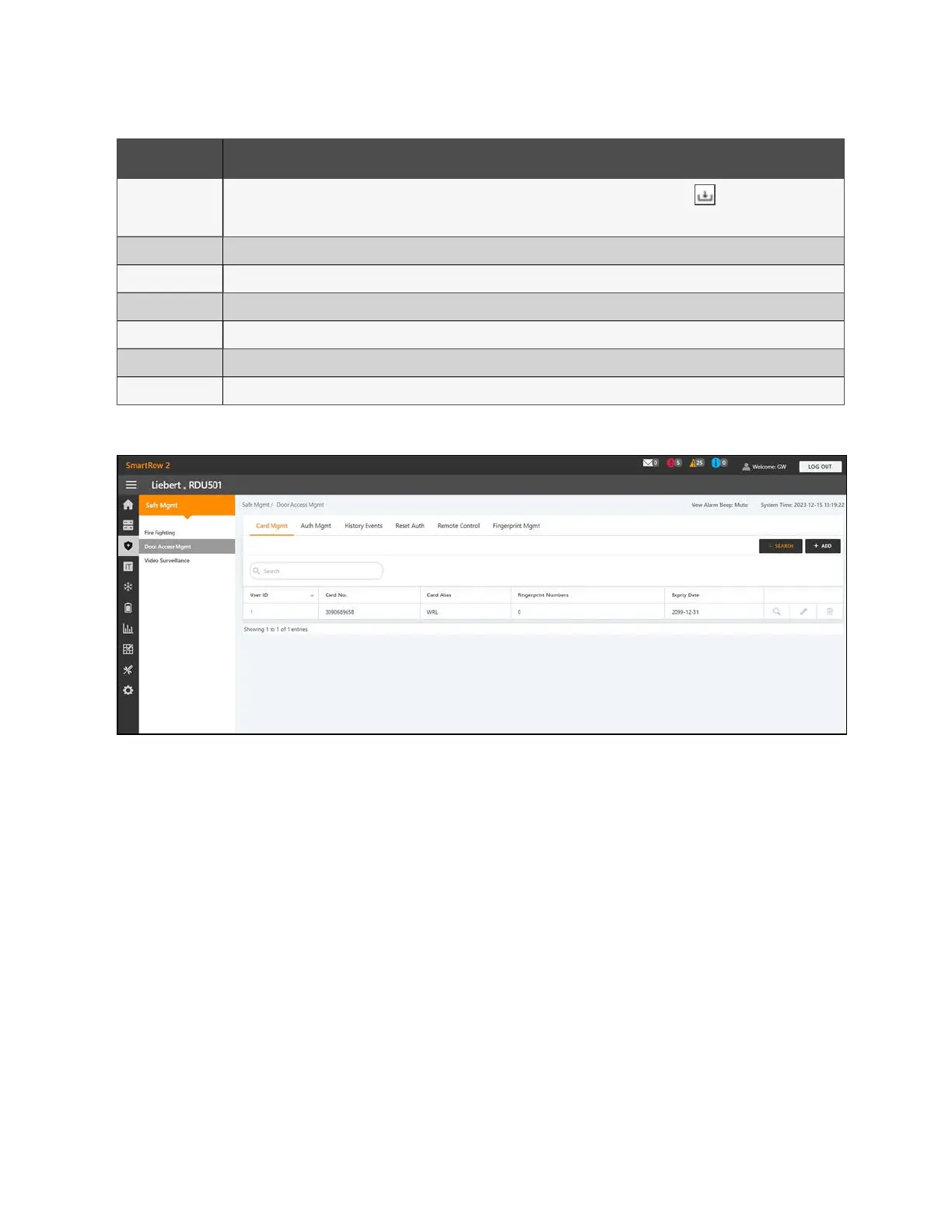
Figure 9.6 Access Control Card Added
To change the password:
From the Safe Mgmt - Door Access Mgmt tab, click the Card Mgmt tab. Change the password, then click Save. You can now
use your new password to unlock RACK_1 Front Door lock. Alternatively, you can use the password ID, which follows this
format: [four digit IDnumber][password]. For example, if the ID is 1 and the password is 4321, then the password IDis
00014321.
9 Vertiv™ Liebert® RDU501
Intelligent Monitoring Unit Web User
Interface (UI)
Proprietary and Confidential ©2024 Vertiv Group Corp. 99
Vertiv™ SmartRow™ 2 Infrastructure Solution User Guide



 To Next Page