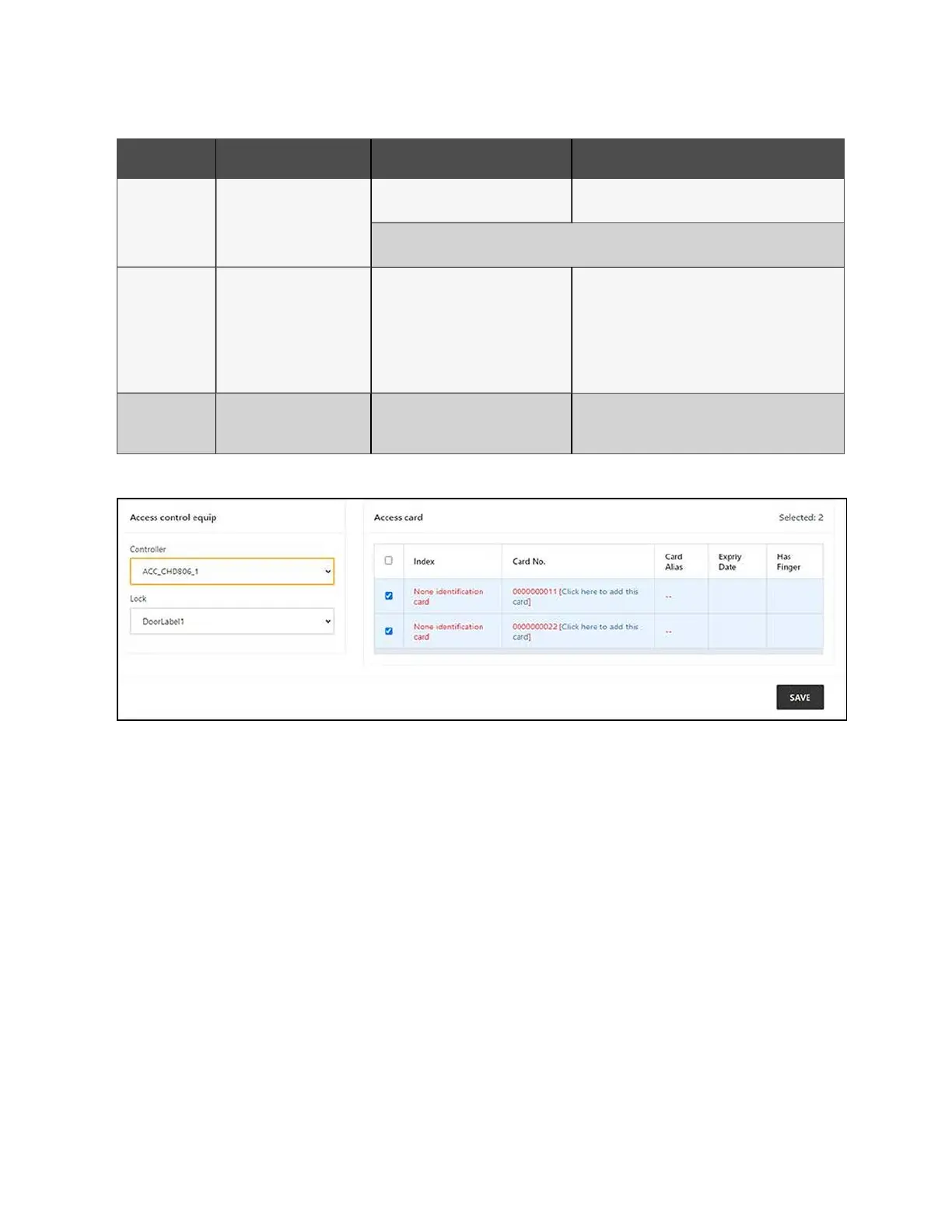
Category Issue Possible Causes Solutions
Incorrect parameters for the IPMI device
management page.
Verify that the correct parameters for the IP address,
port, username, and password have been entered.
If the above solutions do not resolve the issue, the server may be rejecting the session request from
the monitoring unit. Please contact Vertiv Technical Support for additional assistance.
Video
The video device connection
test is normal, but the real-
time video and historical videa
cannot be previewed.
The upgrade of the video device plug-in
and the local video plug-in does not
meet the device requirements.
Uninstall the browser playback plug-in
"webcomponent.exe" that's installed on the local
computer. Then, access the video device directly,
reference the instructions on the video device webpage
to install the new version of playback plug-in. Verify that
the video can now be previewed on the webpage of the
video device.
Web UI
I'm receiving a 404 error page
when I try to access the web
page through http.
IP address has been cached.
Clear the browser cache, then try to access the browser
with http again.
Table 11.1 Monitoring Unit Troubleshooting (continued)
Figure 11.1 Access Card Troubleshooting
11 Troubleshooting Proprietary and Confidential ©2024 Vertiv Group Corp. 115
Vertiv™ SmartRow™ 2 Infrastructure Solution User Guide



 To Next Page