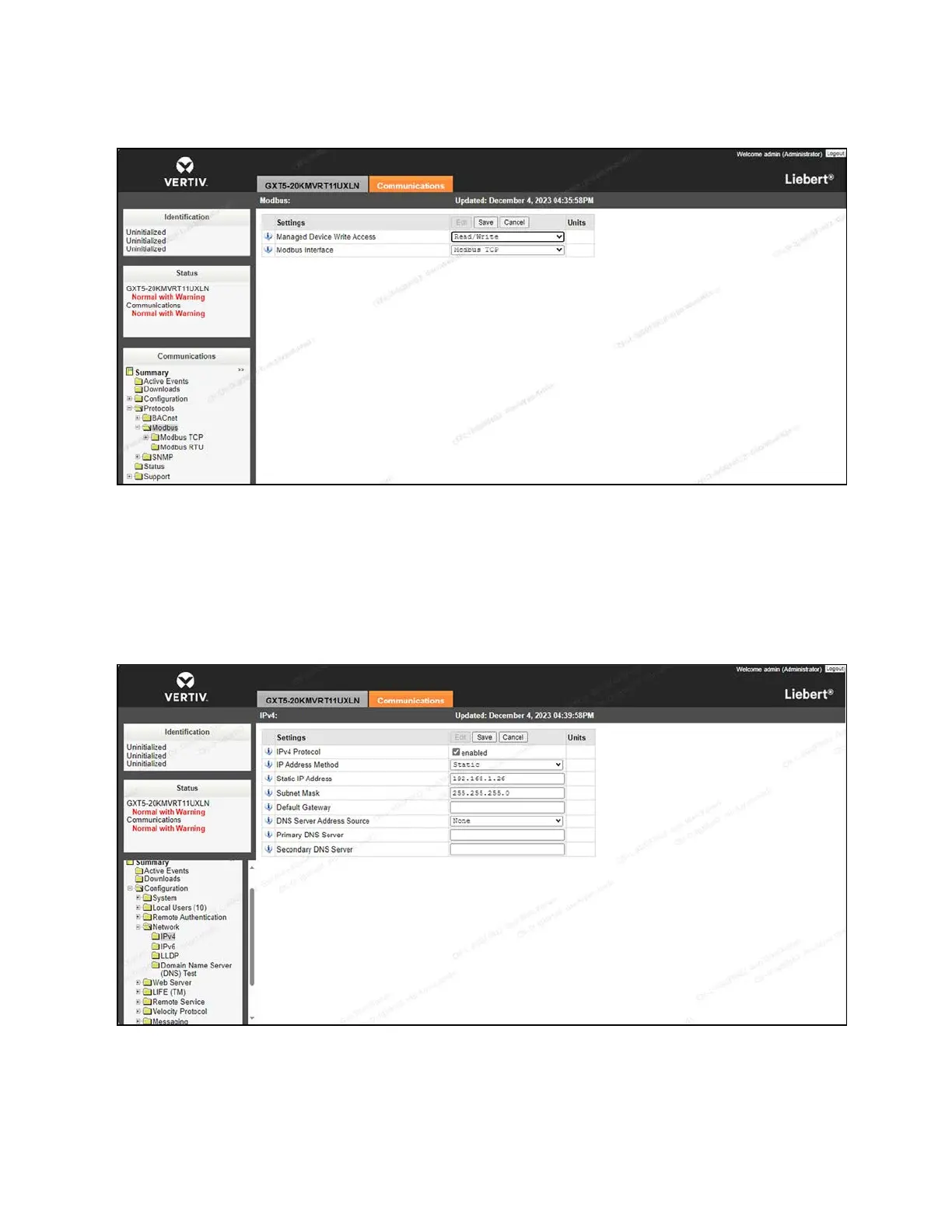
Figure 7.8 Communication Protocol Setting - Read/Write Access
6. From the IPv4 screen, change the IP address mode of the UPS to static mode. The static IP addresses are as
follows:
• UPS1: 192.168.1.26
• UPS2: 192.168.1.27
• Default Gateway: 255.255.255.0
Figure 7.9 UPSIPAddress Mode
7. From the SNMP screen, enter the IP address of Vertiv™ Liebert RDU501 intelligent monitoring unit (192.168.1.254)
into the SNMP Access Host field.
8. Using the SNMPAccess Type drop-down menu, set the access permissions to Read/Write.
7 Network Settings Proprietary and Confidential ©2024 Vertiv Group Corp. 57
Vertiv™ SmartRow™ 2 Infrastructure Solution User Guide



 To Next Page