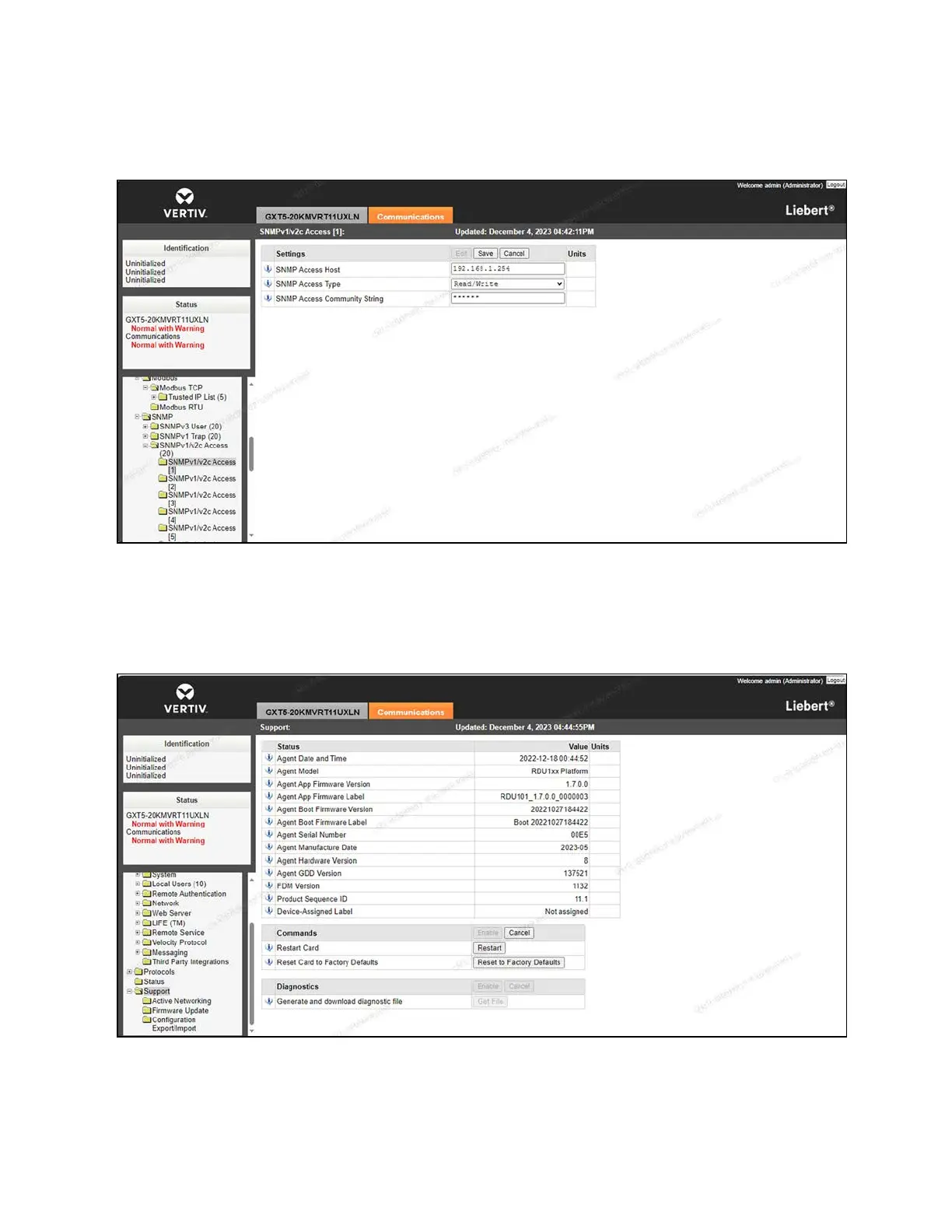
9. Enter Public into the SNMPAccess Community String field.
Figure 7.10 Intelligent Monitoring Unit IPAddress
10. Navigate to the Support screen.
11. Under the Commands section, click the Restart button to restart the Vertiv™ Liebert® IntelliSlot™ RDU101
communications card. Upon reboot, the UPS's IP address has been set.
Figure 7.11 Card Restart
58 Proprietary and Confidential ©2024 Vertiv Group Corp. 7 Network Settings
Vertiv™ SmartRow™ 2 Infrastructure Solution User Guide



 To Next Page