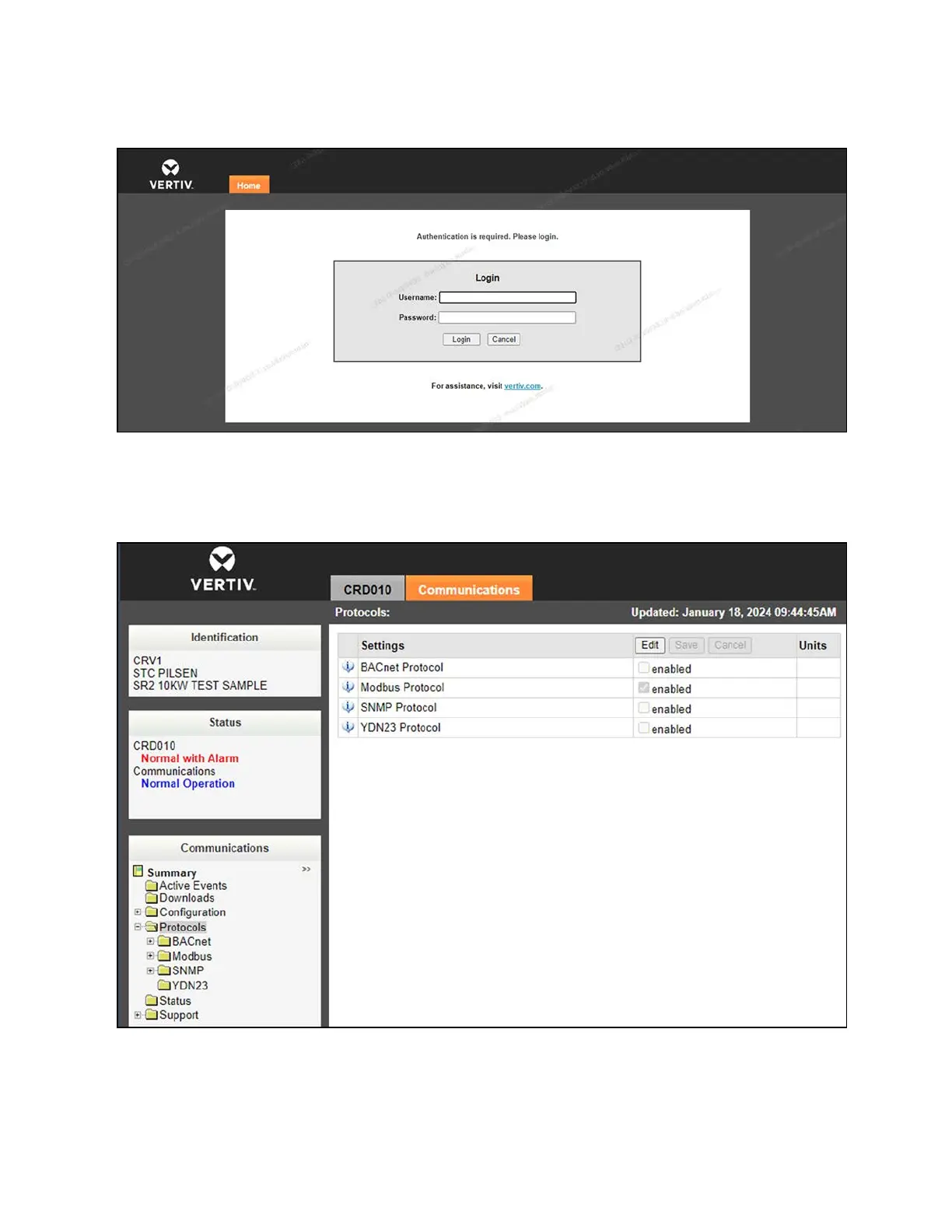
Figure 7.13 Card Log In
2. From the top of the screen, click the Communications tab, then click the Edit button.
3. Check the enabled box for Modbus Protocol, then click the Save button.
Figure 7.14 Communication ProtocolSettings - Modbus Protocol
4. From the Modbus settings screen, use the Managed Device Write Access drop-down menu to modify the
read/write access for the device.
60 Proprietary and Confidential ©2024 Vertiv Group Corp. 7 Network Settings
Vertiv™ SmartRow™ 2 Infrastructure Solution User Guide



 To Next Page