PC Client Introduction
93
4.5.8. DVR Setup
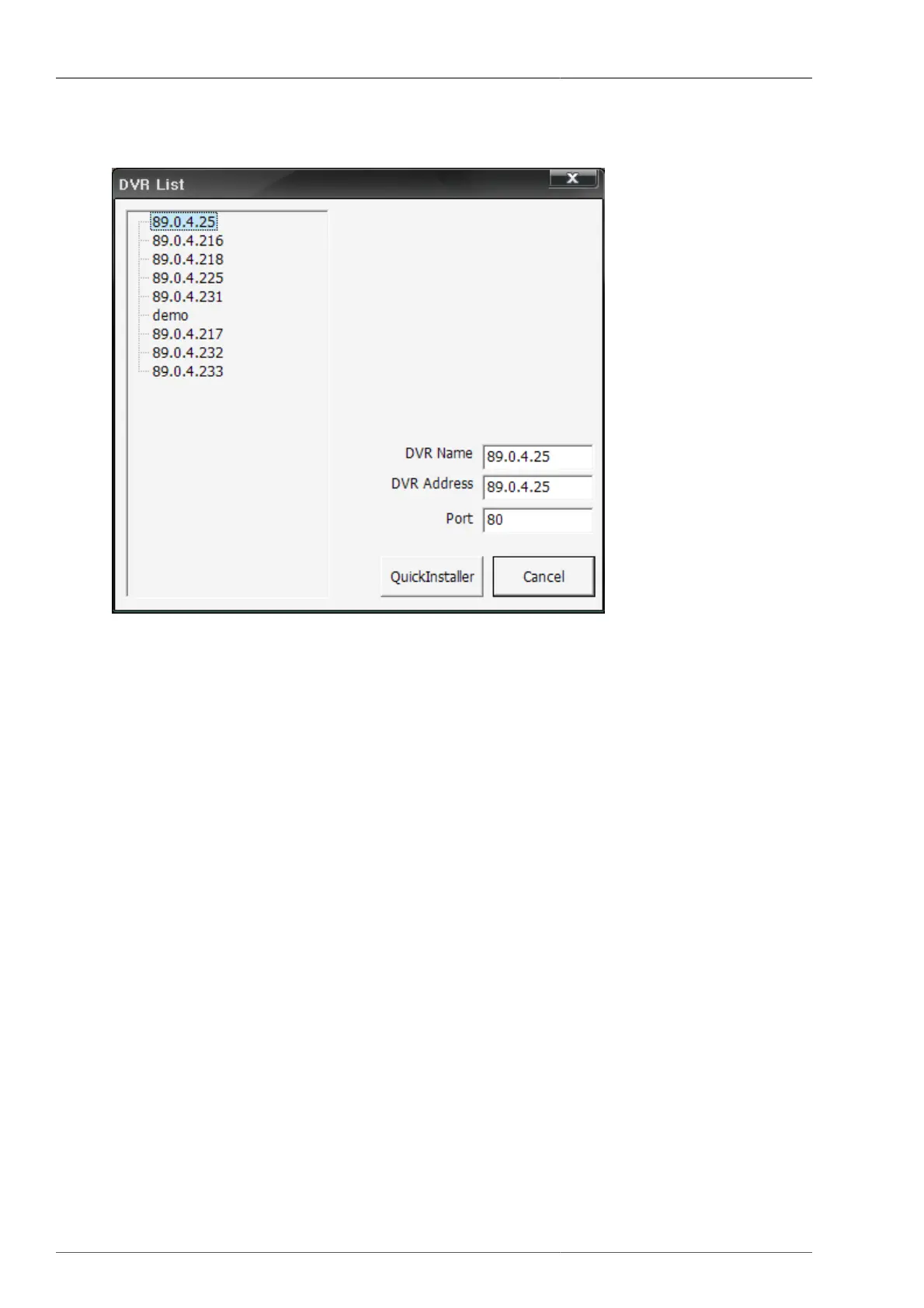
Figure 4.46. Connected DVR List
The user can select the DVR to modify the setup, or to verify it. Then the QuickInstaller is to be displayed on the
screen with the retrieved DVR setting values. For more details, please refer to Section 4.7.2, “System parameter
selection”.
4.5.9. Still image capture
From the current screen, Capture dialogue is to be popped up when the still image capture button is pressed. The
user can save this still image screen with JPG format.



 To Next Page