Main Menu Configuration
53
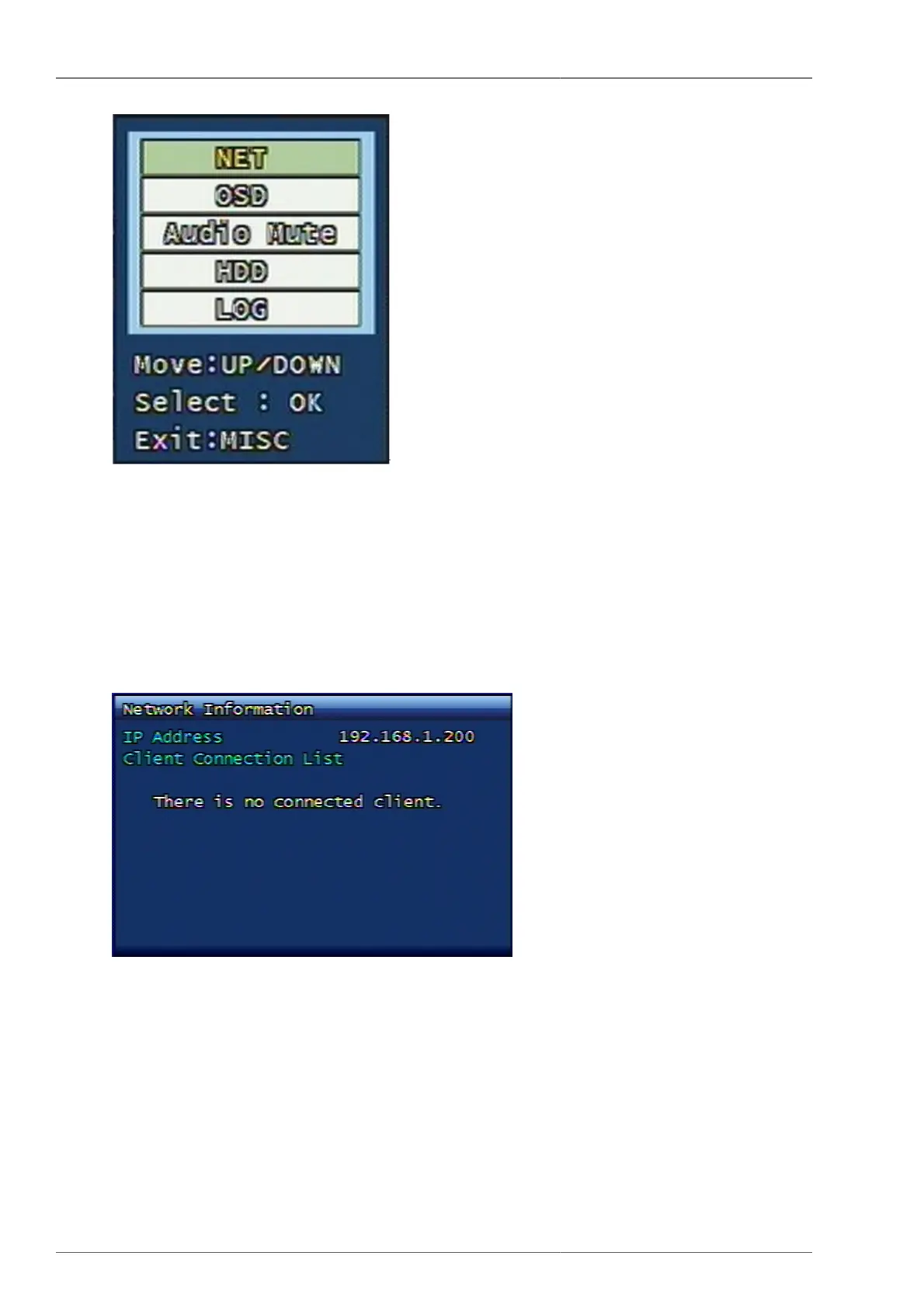
Figure 3.64. Other Menu Screen
This menu is designed for the key button, which is available on remote controller and not available on the front
panel of DVR.
3.13.1. NET
This is to display the connected users from IP network, or Local Area Network. It plays the same role like NET
button on remote controller.
Figure 3.65. Network Information Screen
3.13.2. OSD
This is to turn OFF the OSD on Live mode. It plays the same role like OSD button on remote controller. To re-
display the OSD, the user can press any button on front panel of DVR or on remote controller.
3.13.3. Audio Mute
This is to manage Audio ON/OFF. It plays the same role that the (audio) button next to the power button on remote
unit is pressed.



 To Next Page