Main Menu Configuration
42
DVR Ramdisk and Kernel software can be updated by using USB memory stick.
1. You can download Kernel or Ramdisk from the relevant server (either from distributor's server, or from
manufacturer's server) for upgrade. After downloading the file, the user can copy the file to USB memory stick.
2. Please connect the USB Memory Stick to USB port on DVR.
3. Menu -> System Setup -> Software Upgrade -> Ramdisk or Kernel needs to be selected.
4. The DVR recognizes the USB memory stick automatically and proceed the upgrade and after finishing the
process, the DVR starts rebooting.
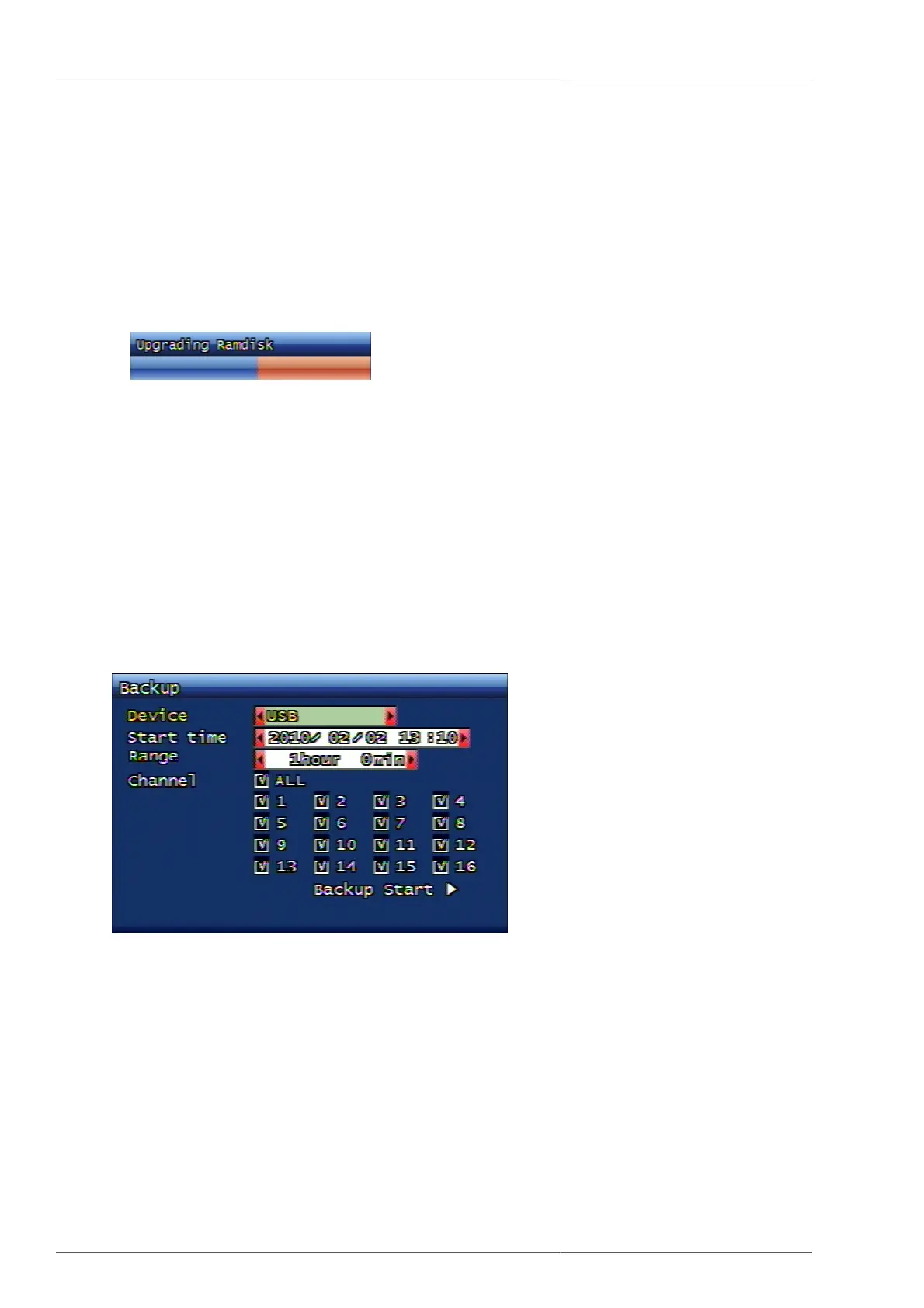
Figure 3.52. Ramdisk Upgrade Progress Display Screen
3.7.9.1. Saving and retrieving of DVR setting value
By using USB memory stick, DVR setting values can be saved or retrieved.
3.7.9.2. Export of System Log
DVR system log data can be saved on to USB memory stick under text format.
3.8. Back up Menu Configuration
This is the function to back up the video data recorded on system onto USB memory stick or DVD-RW.
Figure 3.53. Back up Screen
3.8.1. Back up Equipment
Setting up the device for back up. Available devices are USB Memory Stick / DVD-RW.
3.8.2. Starting Time
Inputting the starting date and time for back up.
3.8.3. Range
This is to select how much time frame of data will be backed up from the starting time.



 To Next Page