PC Client Introduction
82
4.5.2. MultiViewer Program Execution
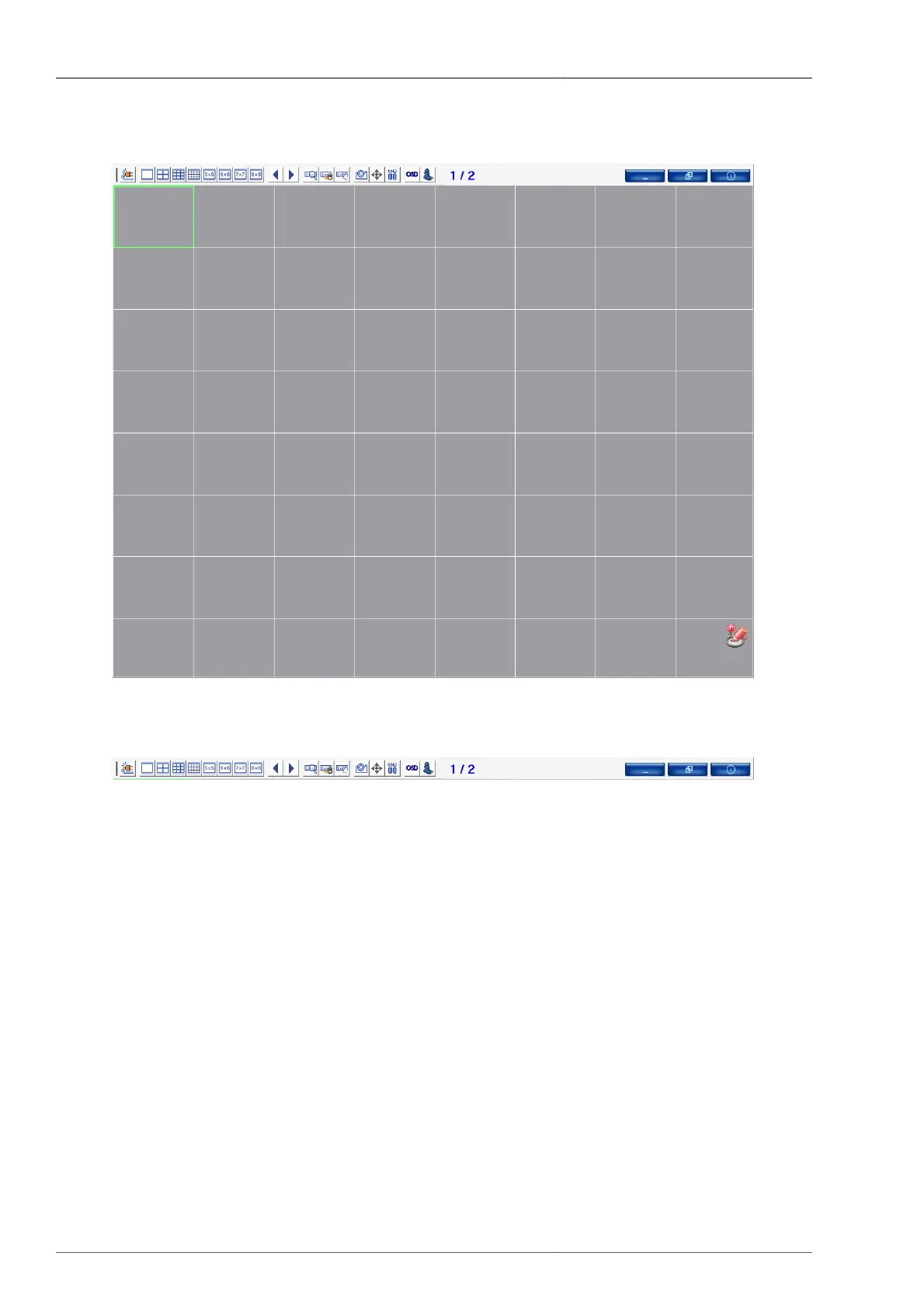
Figure 4.32. MultiViewer Screen
Figure 4.33. MultiViewer Toolbar
(From far left to the right on sequential order)
• Connection List Management Button : This button enables you to add, modify, and delete the DVR as well as
the saving and connection of the list that user entered.
• 1x1 screen configuration button : This is to switch the current screen to 1x1 screen. Also it's available to switch
it by double-clicking on the mouse.
• 2x2 screen configuration button : This is to switch the current screen to 2x2 screen.
• 3x3 screen configuration button : This is to switch the current screen to 3x3 screen.
• 4x4 screen configuration button : This is to switch the current screen to 4x4 screen.
• 5x5 screen configuration button : This is to switch the current screen to 5x5 screen.
• 6x6 screen configuration button : This is to switch the current screen to 6x6 screen.
• 7x7 screen configuration button : This is to switch the current screen to 7x7 screen.



 To Next Page