PC Client Introduction
79
4.4.18. Program Version Confirmation
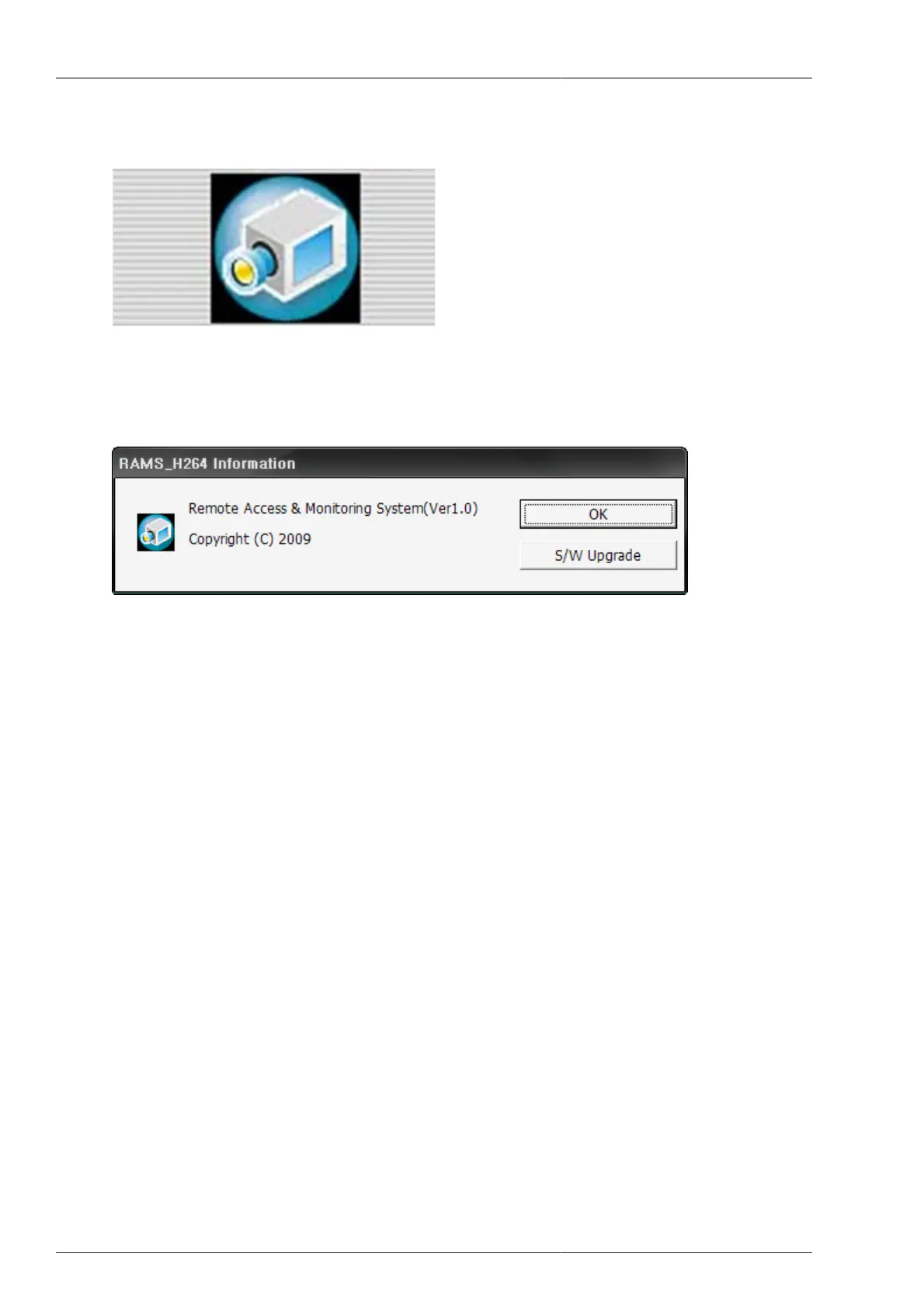
Figure 4.28. Program Logo
To verify the program version, or to upgrade DVR system software, please click the right top corner (camera) icon.
Figure 4.29. Program Information
This shows the name and version of the program. Pressing confirmation button will close the program information
screen. S/W upgrade button shows the DVR's system upgrade screen.
4.4.19. DVR System Upgrade
From program version confirmation screen, once the S/W upgrade button is pressed, then the below screen is to
be displayed.



 To Next Page