Main Menu Configuration
41
• UNUSED : Relevant AUX port is not to be used.
• NET CTRL : This enables you to control AUX port from RAMS program.
• REC FAIL : When the recording status is failed, it sends the signal to AUX port.
• REC WARNING : When the recording is in warning status, it sends the signal to AUX port.
• DISK FULL : When the hard disk recording is occupied with more than 90% storage, it sends the signal to
relevant port.
• RECORD STATUS : It advises you if the recording is being made.
• VLOSS CH-ALL : When the Video Loss took place, it sends the signal to AUX port.
• VLOSS CH-01 : When the Video Loss took place on channel no. 1, it sends the signal to AUX port.
• ALARM CH-ALL : When the Alarm took place, it sends the signal to AUX port.
• ALARM CH-01 : When the Alarm took place on the first channel, it sends the signal to AUX port.
3.7.7.3. RS485 Termination
This is to set up if the termination function on RS485 port shall be used.
3.7.8. System Initialization
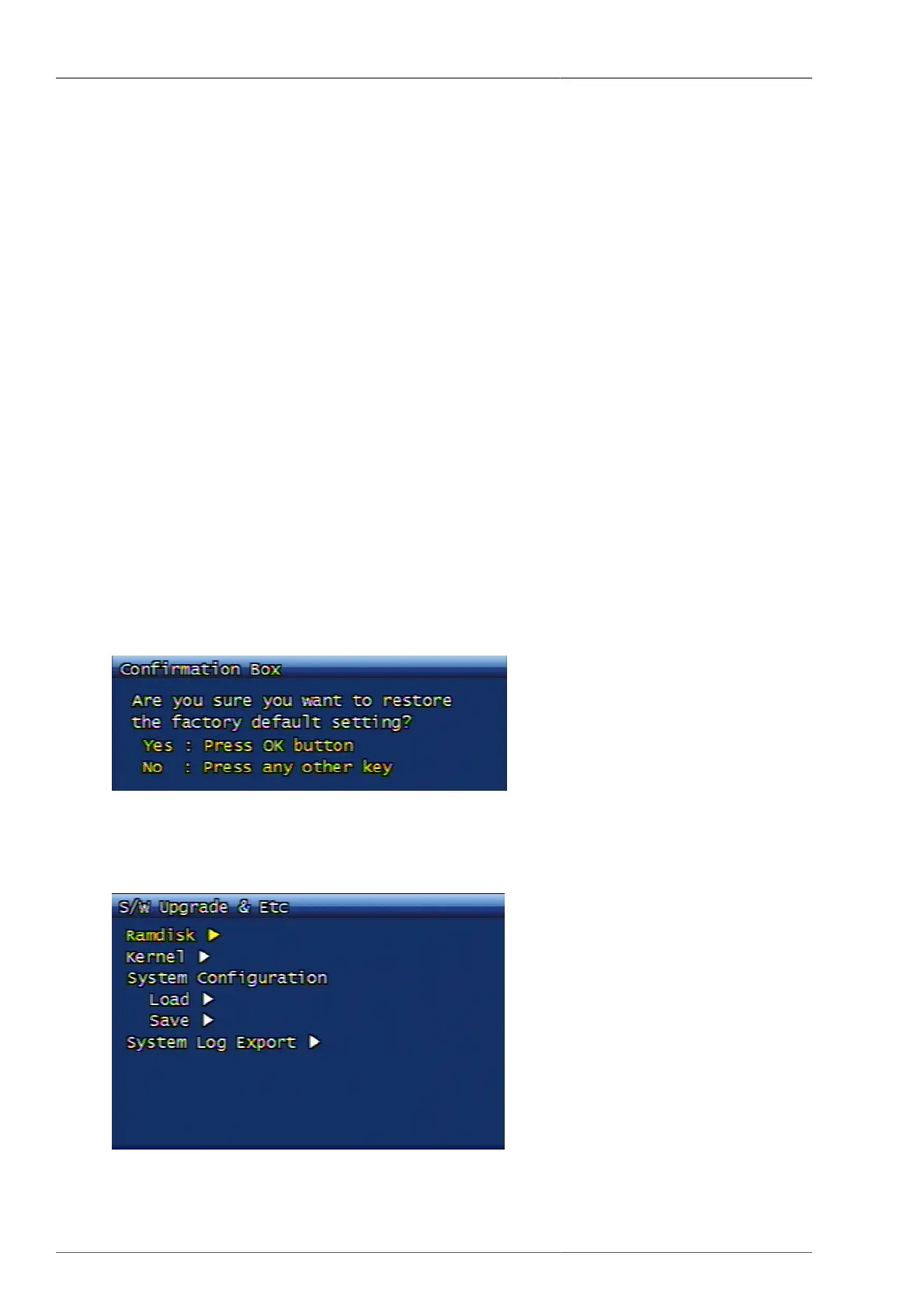
This is to initialize all system setting values to default values. When the system default initialization confirmation
window is displayed, the user can select YES for execution, or NO for cancellation. For the default values, please
refer to 5.3 clause in this manual.
Figure 3.50. System Initialization Confirmation Screen
3.7.9. Software Upgrade & Etc
Figure 3.51. Software Upgrade Screen



 To Next Page