Main Menu Configuration
28
3.4. Playback Setup Menu Configuration
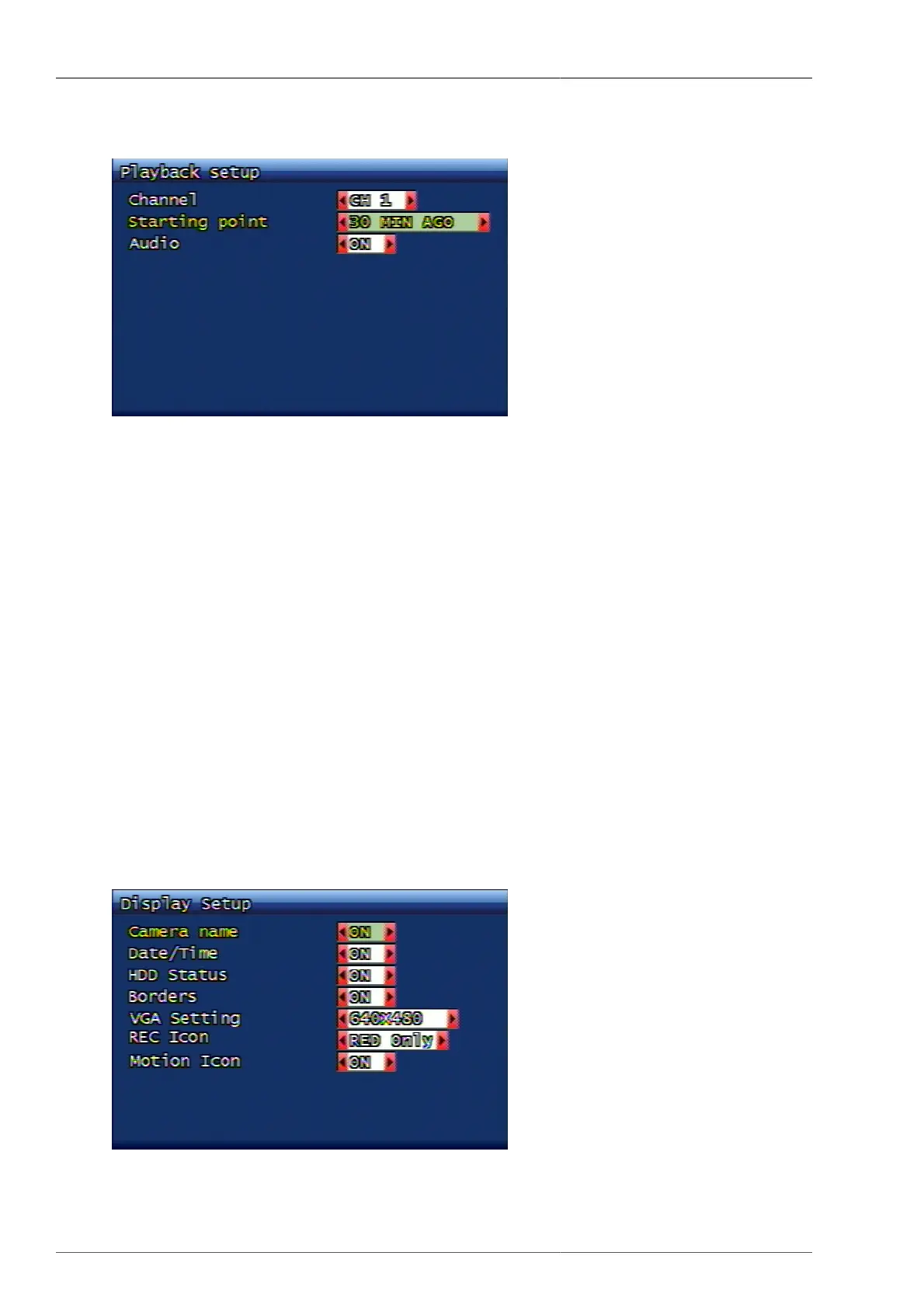
Figure 3.27. Playback Setup Screen
3.4.1. Channel
On live mode, the user can select the playback channel by pressing PLAY button on DVR's front panel, or PLAY
button on remote unit. If ALL is selected, then all channels are to be played. In this case audio set up is not possible.
3.4.2. Playback Starting Point
During direct playback, the user can set the starting point of playback and the below content selection is possible.
• FIRST : This is to search and play the very oldest recording data from the relevant channel.
• 30 Min ago, 1 Hour ago, 6Hours ago, 12Hours ago, 24Hours ago : This is to play the previous recording data
only for the fixed time.
3.4.3. Audio
The user can select to run audio playback in case of direct playback. Both ON/OFF modes are available. Audio
will be played together when it's ON and audio will not played when it's OFF. In this case, audio playback is only
available when the recorded video data carries audio recording data in it.
3.5. Screen Display Setup Menu Configuration
Figure 3.28. Screen Display Setup Screen



 To Next Page