Main Menu Configuration
46
• Spanish
• Japanese
• Polish
• Russian
• Italian
• Slovakian
• Turkish
• Czech
• Danish
• Estonian
• Norwegian
Note
In certain model, the supported language can be omitted from DVR. If your preferred language is
missing from DVR, please contact your distributor, or the manufacturer.
Note
The displayed language name is according to ISO 639-2 standard. For more details, please refer to
ISO 639-2 [http://www.loc.gov/standards/iso639-2/php/code_list.php].
3.11. Search Menu Configuration
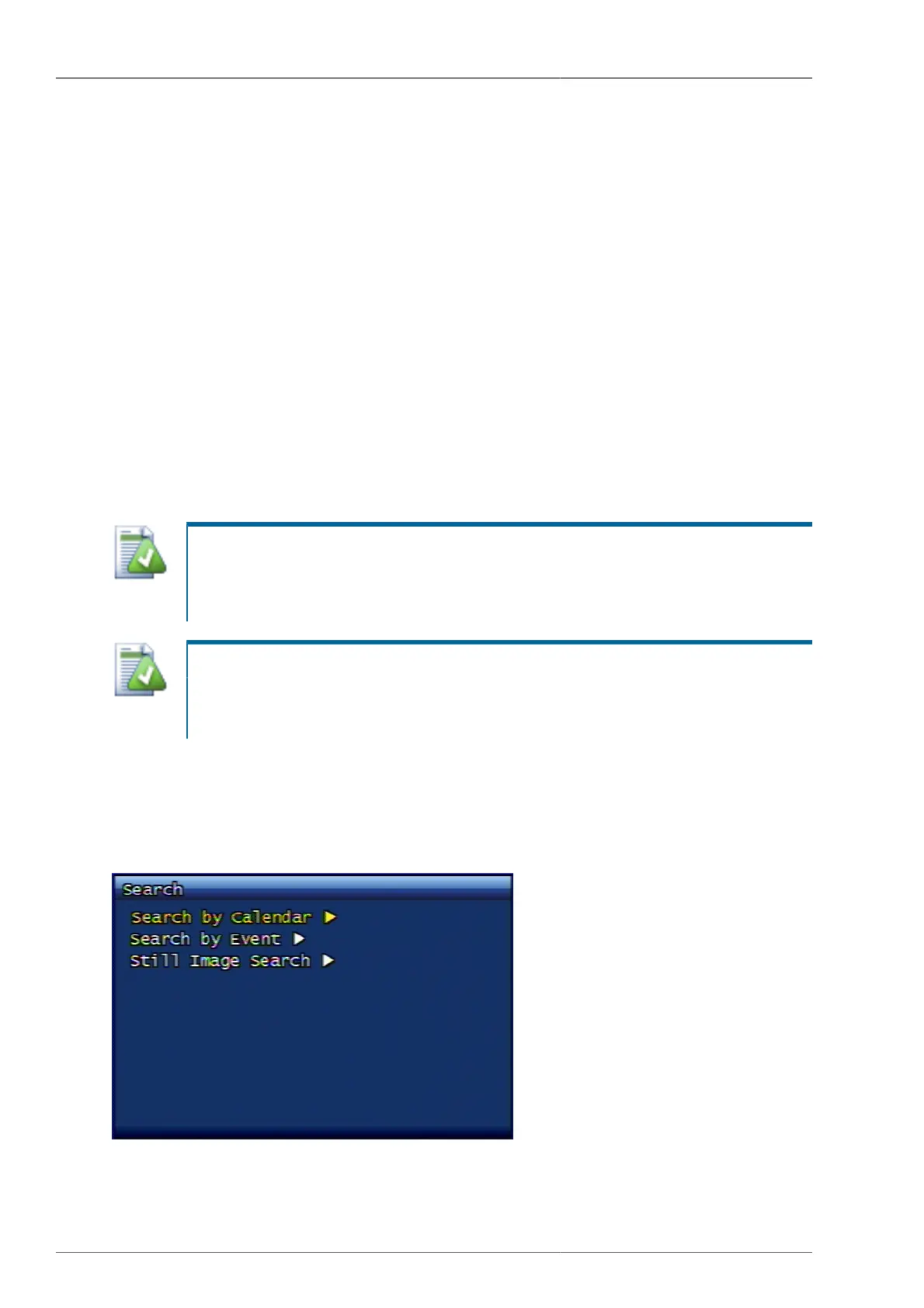
Once the search button is pressed either from DVR front panel or from remote controller, following screen will
be displayed.
Figure 3.56. Search Screen



 To Next Page