PC Client Introduction
71
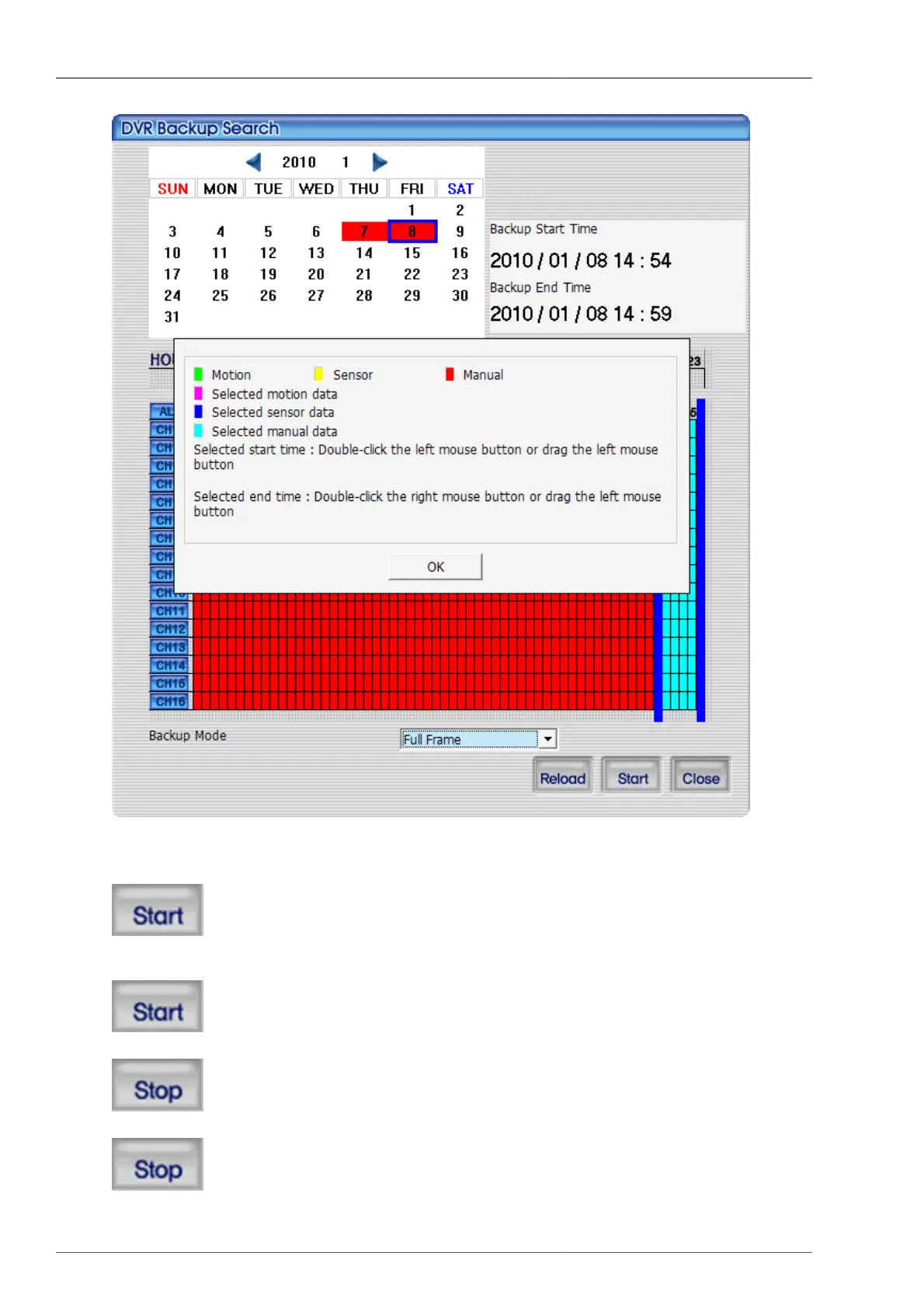
Figure 4.15. DVR file backup guide screen
button is pressed, back up starts. The location where the back up file is to be saved is back up folder under directory
that the current program is installed. Once the back up is initiated
button
changes to this button, and back up progress rate bar is to be displayed. During the back up, when



 To Next Page