Main Menu Configuration
12
3.1.4. Screen Adjustment
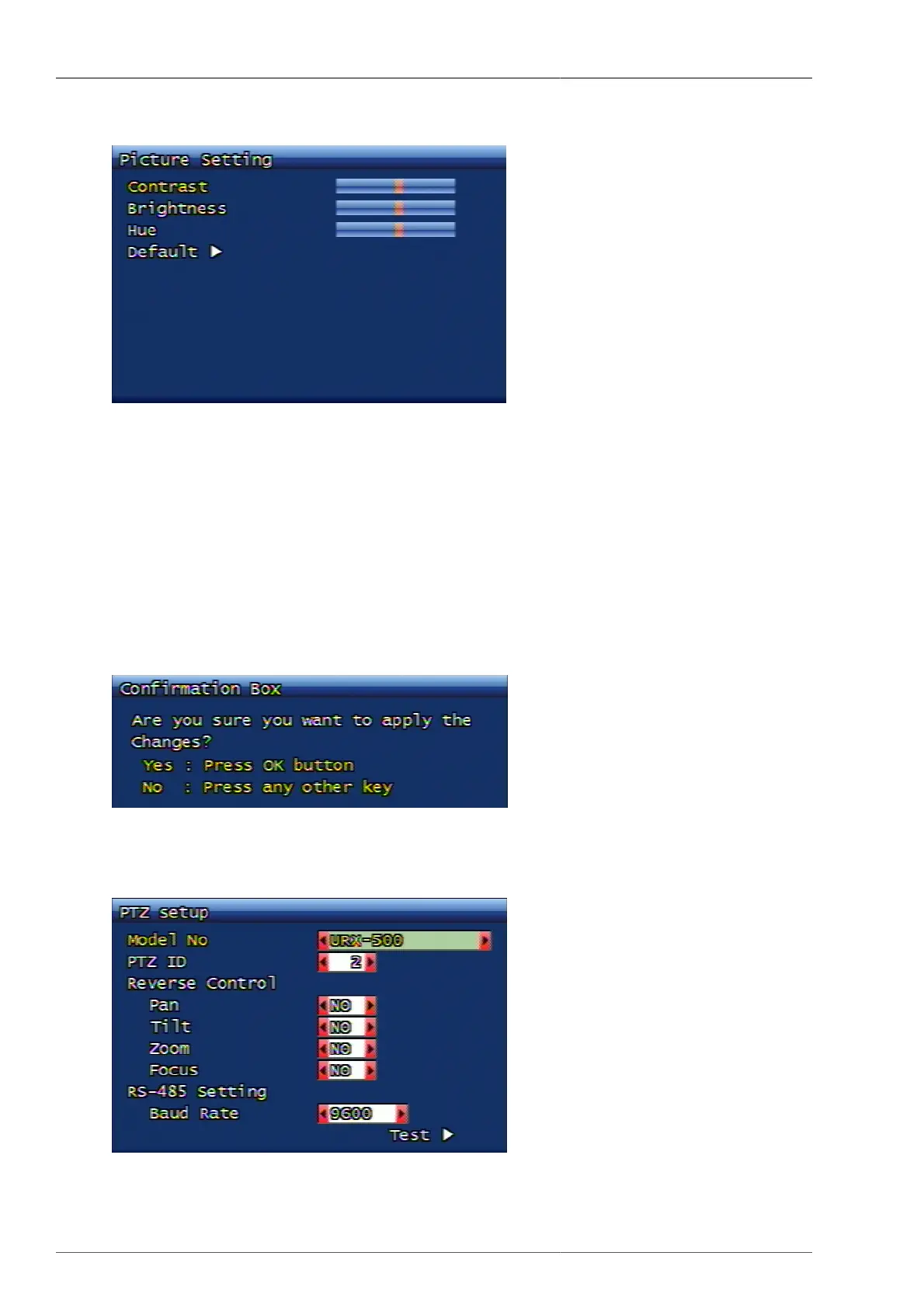
Figure 3.4. Screen Adjustment Screen
3.1.4.1. Contrast, Brightness, Color
The available content is total 3 - contract, brightness, and color. Each content can be set up to the extent of 16
different levels.
3.1.4.2. Basic Value
This function is to re-set the contrast, brightness, and color values to default values, when the screen adjustment
is either wrong, or against user's wish.
If you select this function, below confirmation window comes up and if you select Yes, then default values are
to be applied.
Figure 3.5. Screen Setting Default Value Application Confirmation Window
3.1.5. PTZ setup
Figure 3.6. PTZ Setup Screen



 To Next Page