Main Menu Configuration
33
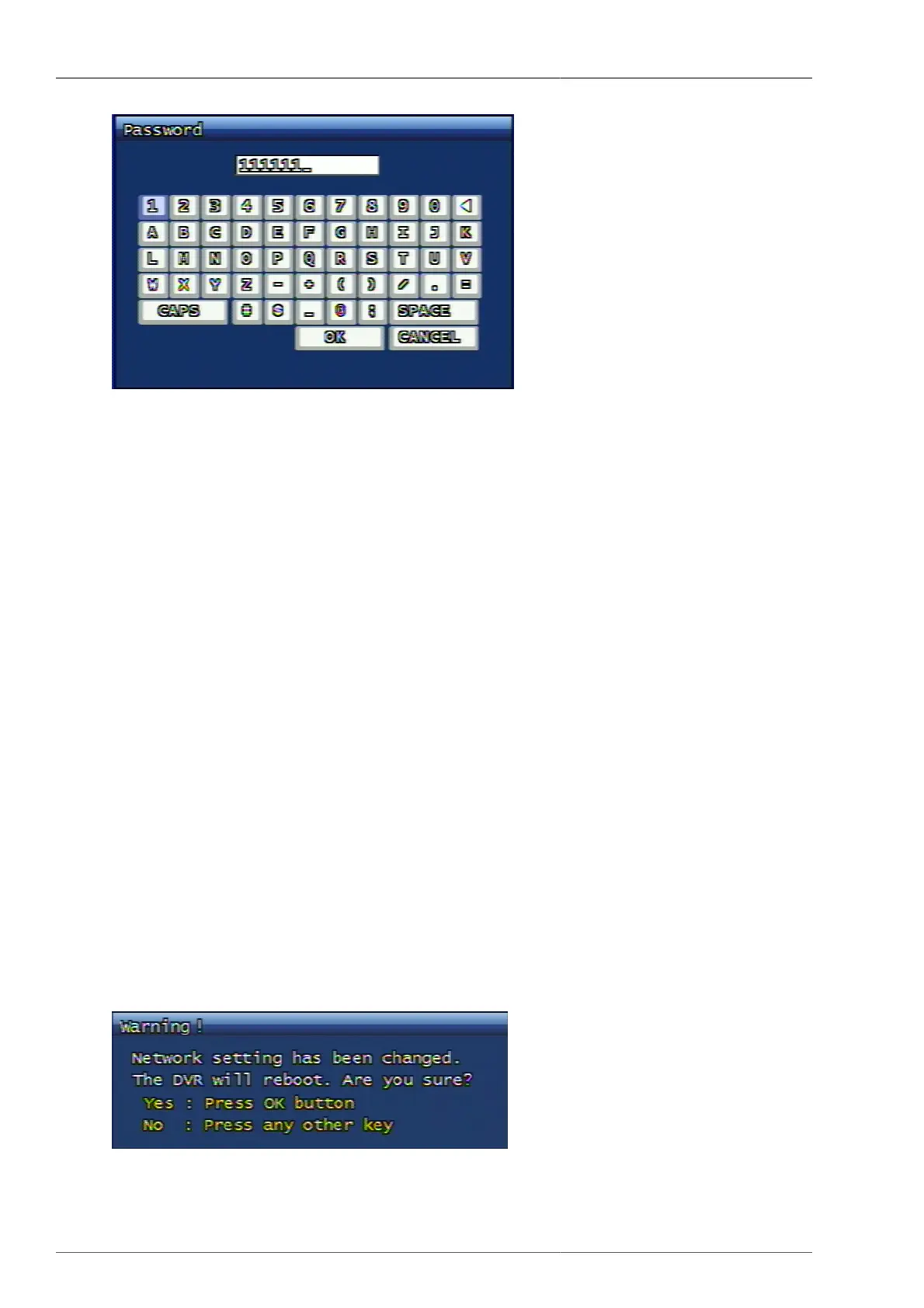
Figure 3.35. Password Input Screen
3.6.2.3.4. DNS IP
This is to set up DNS address, being used on DVR system network environment. To increase, or to decrease the
numbers, you may use the front panel's shuttle for convenience.
DNS IP input is required only when the user has used Domain Name address instead of IP address.
• System setup-Time/Date-Using NTP(On)-NTP Server Address
• Event setup-FTP Setting-FTP server Address
• Event setup-E-Mail Setting-SMTP server Address
• Korea Telecom : 168.126.63.1 or 168.126.63.2
• Hanaro : 131.107.1.7 or 210.94.0.7
• DACOM : 164.124.101.2 or 211.106.67.221
• Thrunet : 210.117.65.1 or 210.117.65.2
• Dreamline : 210.181.4.25
• Shinbiro : 202.30.143.11
3.6.2.4. Network Type Change Confirmation
Once the network type is changed, the system will pop up the confirmation window for rebooting. Once the user
select YES, then the system starts rebooting to implement the changed network type. If the user selects NO, then
the system remains the same and the system operates under previously unchanged network type.
Figure 3.36. Network Type Change Confirmation Screen



 To Next Page