PC Client Introduction
77
Figure 4.22. PTZ Button
PTZF Speed, Preset, PAN/TILT, ZOOM/FOCUS function buttons of DVR can only be activated when the relevant
channel is selected. This function is only available to the connected user who has PTZ control authority.
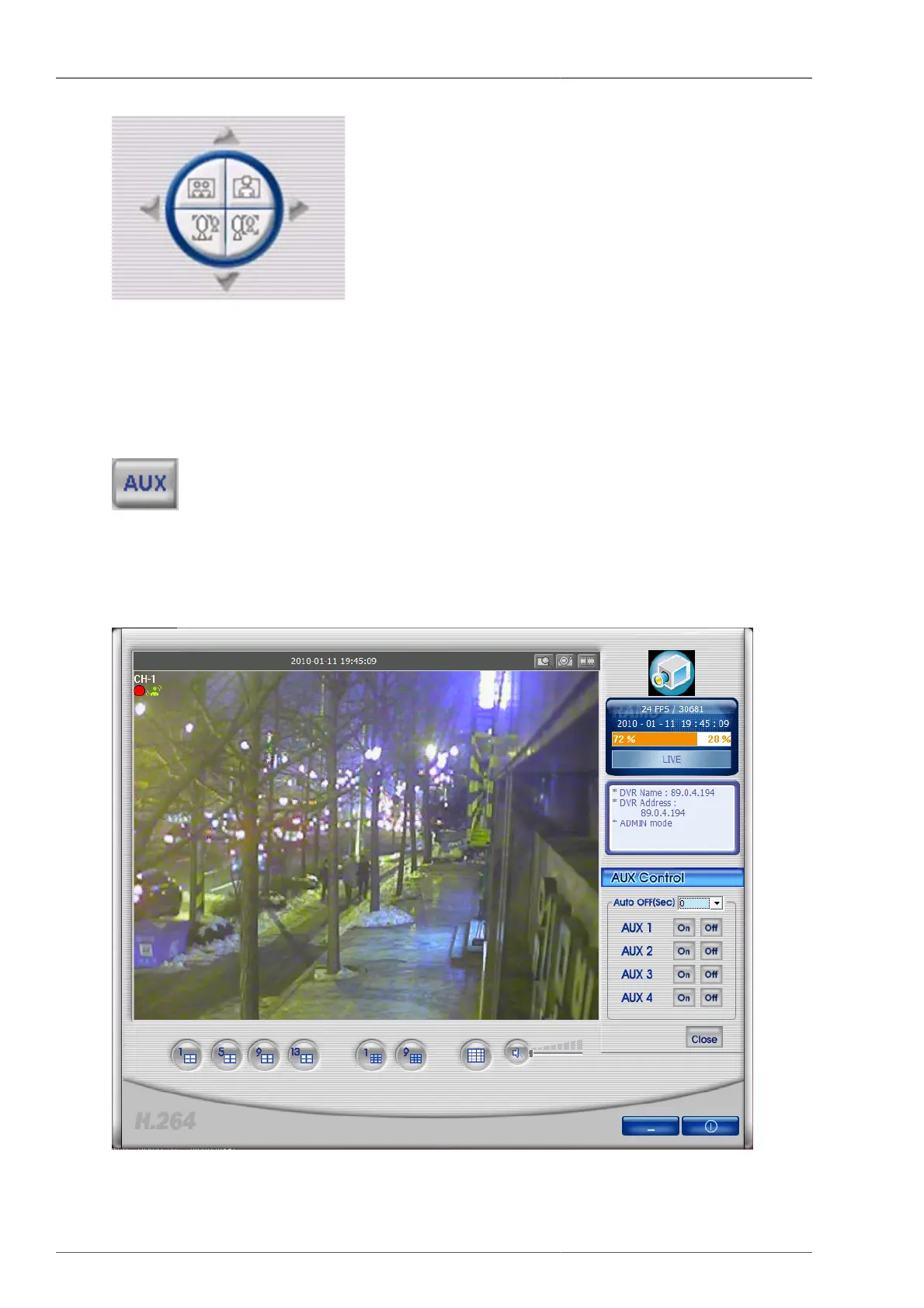
4.4.15. Aux Control
Figure 4.23. AUX Button
By pressing this button, Aux control dialog will be displayed. The user can control the DVR Aux port via network,
or set up that Aux port turns to be OFF after certain time is passed.
Figure 4.24. AUX Control



 To Next Page