Main Menu Configuration
47
3.11.1. Calendar Search
3.11.1.1. Calendar Display (Month)
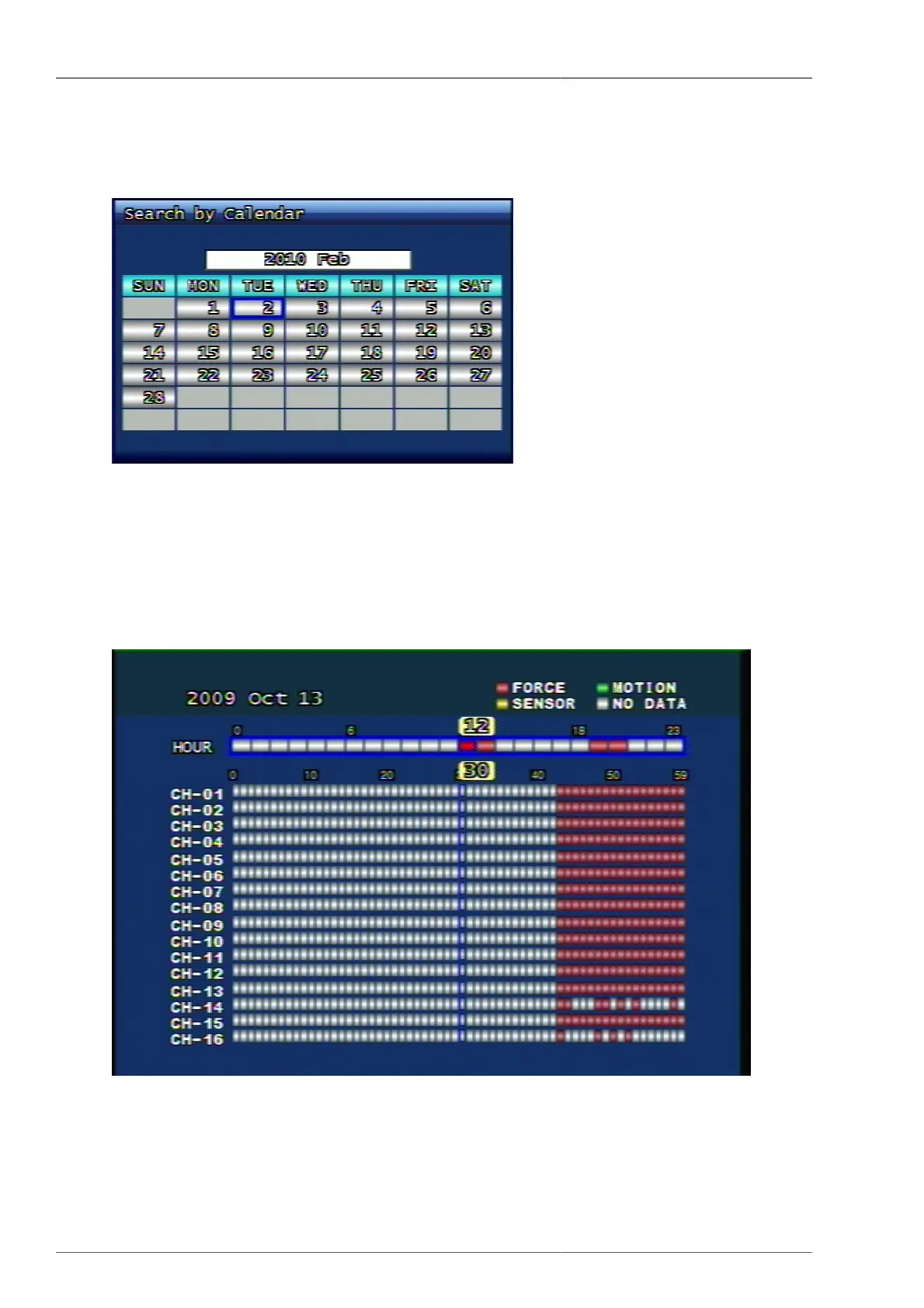
Figure 3.57. Calendar Search Screen
This is to indicate the recorded dates on calendar screen. The user can select the date by using the direction button.
When the user presses OK button from the wished date, the relevant recorded data on the selected date will be
displayed.
3.11.1.2. Calendar Display (Date)
Figure 3.58. Calendar Search Screen
• Red (FORCE) : It shows forced recording.
• Green (MOTION) : It shows Motion Event recording.



 To Next Page