Main Menu Configuration
20
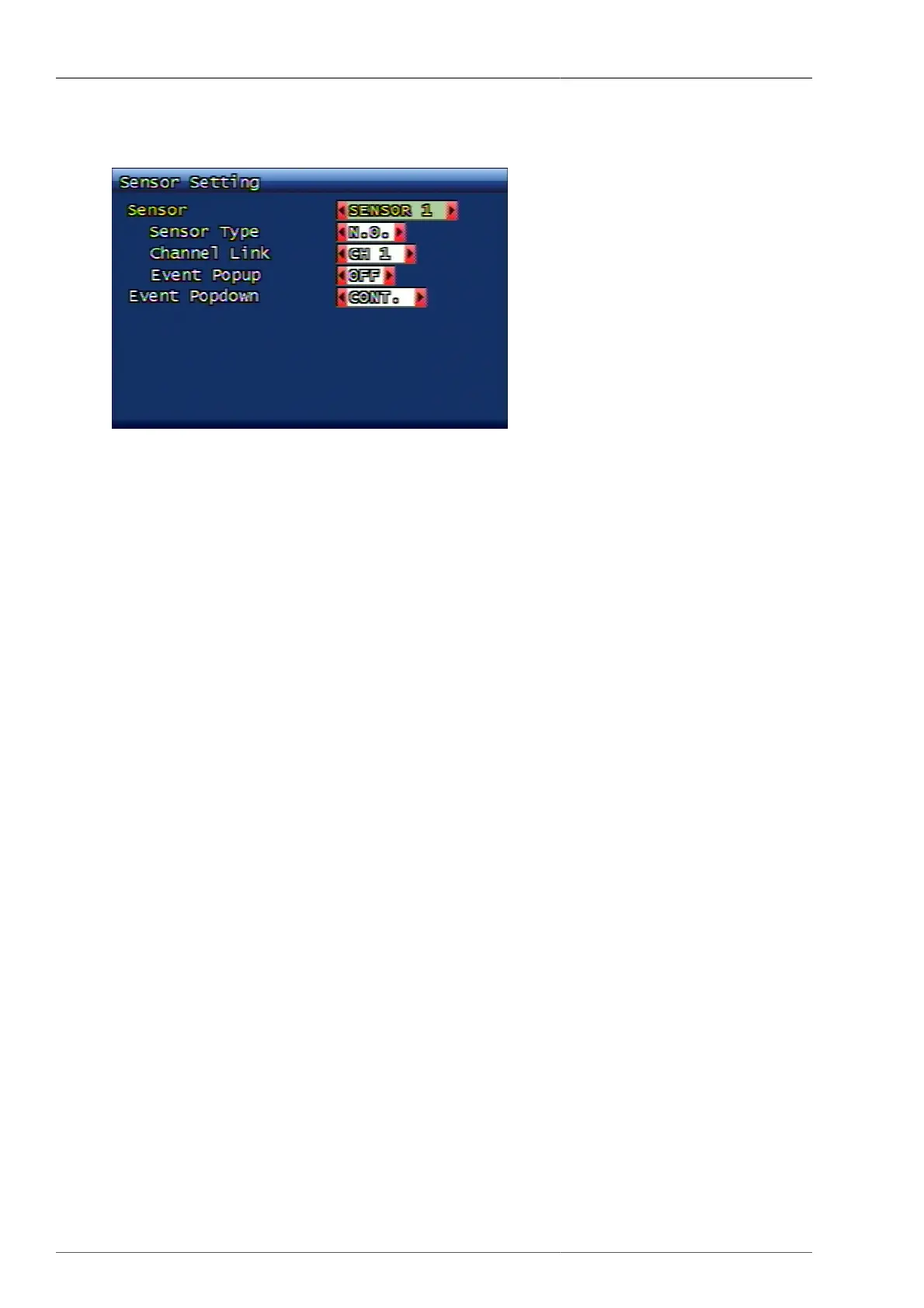
3.3.2. Sensor Setup
Figure 3.15. Sensor Setup Screen
3.3.2.1. Sensor Type
Selection of Sensor Type
• N.O. : It stands for Normal Open. The sensor contacts are open on normal condition and turn to be closed
(touched) when the sensor is in operation (detection).
• N.C. : It stands for Normal Close. Under normal condition, the sensor contacts are closed and turn to be open
only when the sensor starts to operate (detection mode)
3.3.2.2. Connected Channel
It links the sensor to the relevant channels. The user can set up the channel number for recording when the sensor
inputs are in operation.
3.3.2.3. Event Pop up
When the event took place, the relevant event channel turns to full screen display. When the event takes place on
several channels, multi-channels are to be displayed.
3.3.2.4. Evnt Pop down
This is to set up how to manage event poped-up channel, after event issue is terminated. The user can set up if the
event pop up status will remain unchanged, or return to previous screen mode after certain time is passed.
3.3.3. Alarm In/Output Setup
Setting up Alarm Output



 To Next Page