Main Menu Configuration
38
3.7.3.1. Display Format
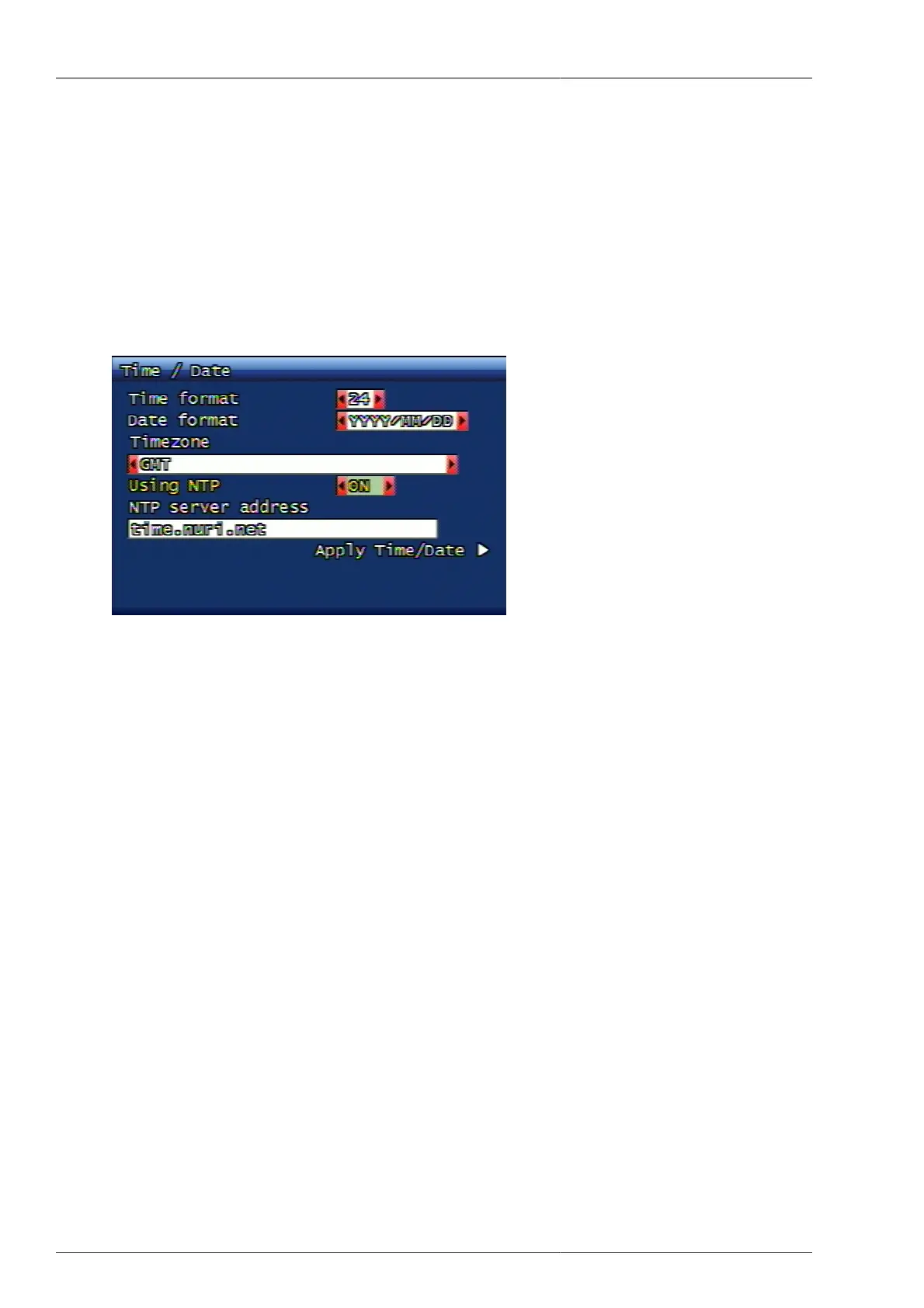
This is to set up system date and time display format. Time format for 24 hrs / 12 hrs display is available and date
format has 3 different setup availability which are YYYY/MM/DD, MM/DD/YYYY, DD/MM/YYYY.
3.7.3.2. Standard Time Zone
This is to set up the time zone where the current DVR is located. Please select the time zone where the DVR is
located. According to this time zone, day light savings time application is to be set up automatically.
3.7.3.3. NTP Application
Figure 3.45. NTP Application
This is to set up DVR's time in synchronization with time server. In this case, day light savings time is automatically
applied on to the selected region.
3.7.3.4. NTP Server Address
This is to enter the server address to synchronize the DVR time. Default server address is time.nuri.net.
3.7.3.5. Date and Time Application
The user can apply the set time to DVR. Even if the NTP is selected, when the date/time application is not selected,
then NTP setup is not going to be saved.
3.7.4. Buzzer
This function is to set up system buzzer ON / OFF according to various condition. The setup condition is for sensor,
motion, video loss, recording fail and recording warning. When the buzzer is set ON, then the buzzer alarms when
the relevant event takes place. When the buzzer is set OFF, then the buzzer alarming is not functioning.



 To Next Page