Main Menu Configuration
49
3.11.2.4. Event Search Result Screen
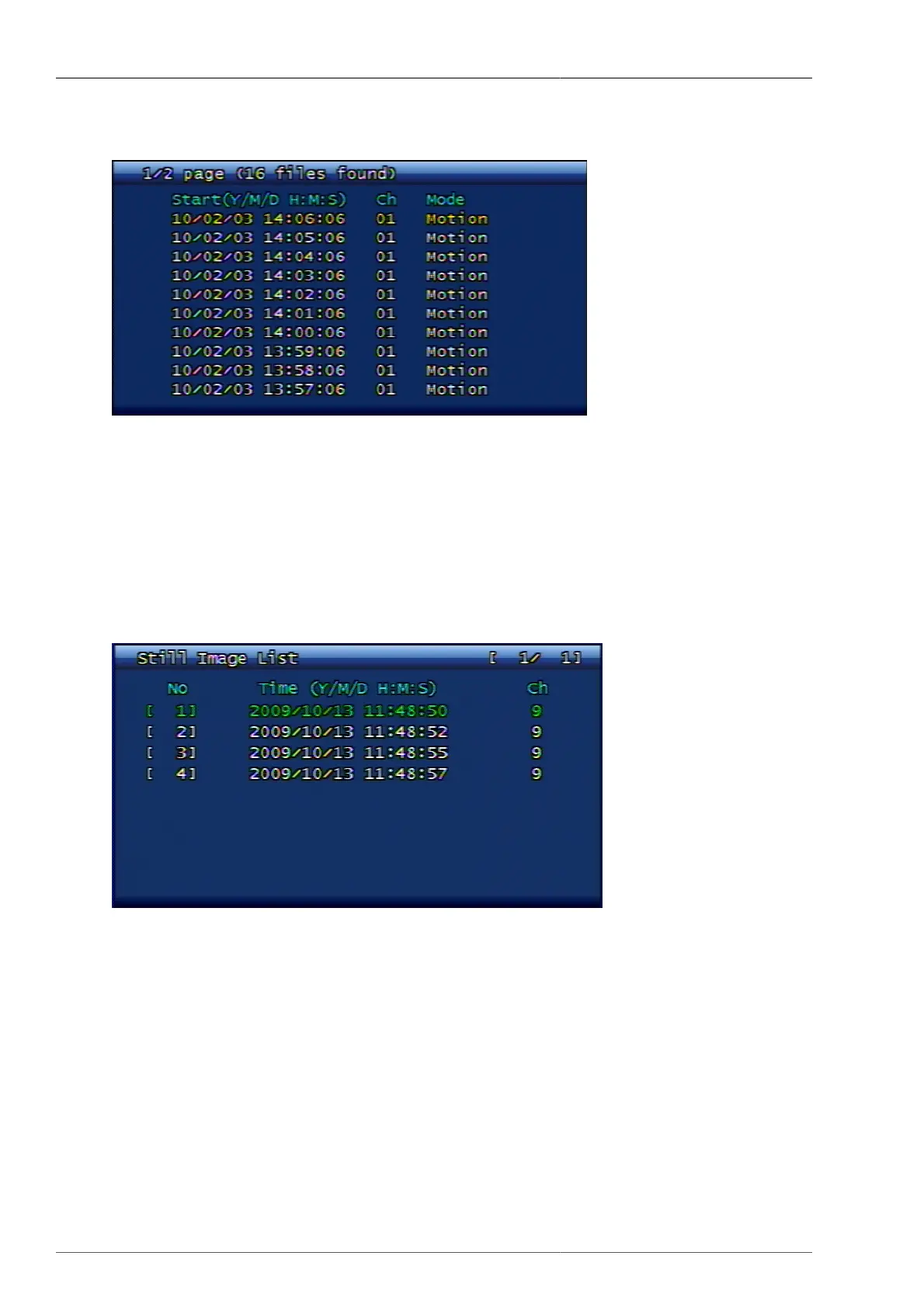
Figure 3.60. Event Search Result Screen
3.11.3. Still Image Search
Still images are not subject to search time or channel input, but they are to be displayed all list from the most old
data saved on current system in chronological order. The maximum numbers of still image savings and searches
are up to 999 files.
3.11.3.1. Search Screen (Example)
Figure 3.61. Still Image Search Result Screen
3.11.3.2. Still Image Backup via USB
After selecting the video screen and then press PLAY button, the still image will be copied into USB memory stick.
3.11.3.3. Converting backed-up still image to JPG or BMP format
1. From USB memory stick, please execute simpleplay_RT.exe file.
2. Firstly select the file to convert to JPG format and then press the button to open.
3. By pressing the diskett button located on the 2nd position on tool bar menu, the user can save it as jpg or bmp
file after designating the file name.



 To Next Page