Main Menu Configuration
14
• Go to Preset : This moves the camera to the designated position set by Preset. Please select the designated number
by using left right arrow button and press OK button so that the camera can move to the designated position.
• Set Preset : This is the function to set Pan/Tilt location in advance. Position up to 1~99 is possible. Designated
number selection by left right button and storage by OK button.
• Iris : Pressing the left button makes it closed and the right button makes it open.
• Light : It turns on and off the camera light. The left and right button is for ON/OFF selection and OK button
for confirmation.
• Camera : This is to turn on and off the camera. ON/OFF selection by left and right button and application by
OK button.
• AUX : This is to turn ON/OFF of AUX port either on Camera or on PTZ receiver. No. 1 to 6 is supported. ON/
OFF selection by left right button and application by OK button.
• Auto Pan : This is to move camera Pan automatically. Auto Pan Speed control by left right button and application
by OK button.
• Auto Iris : It sets up the camera Iris automatically.
3.1.5.7. Manipulating Mouse on PTZ Mode
To manipulate PAN/TILT on PTZ mode, the user can click the mouse and operate the PAN/TILT from the direction
to move on the screen.
On PTZ mode, once the user click each content on the bottom of the screen, the relevant function is to be operated.
To adjust the speed of PAN/TILT from PTZ mode, you may click the Speed Text on screen to control the Speed.
3.1.6. Spot
This is for Spot Monitor output channel that the user can select specific 1 channel for concentration monitoring,
or let whole channels to be displayed in sequential order, or multi-screen to be displayed.
3.1.7. Screen Switching Time
When the live mode in sequential mode, this is to decide individual channel's displaying time. 2, 4, 5, 8, 10, 15,
30 seconds are selectable.
3.2. Recording Setup Menu Configuration
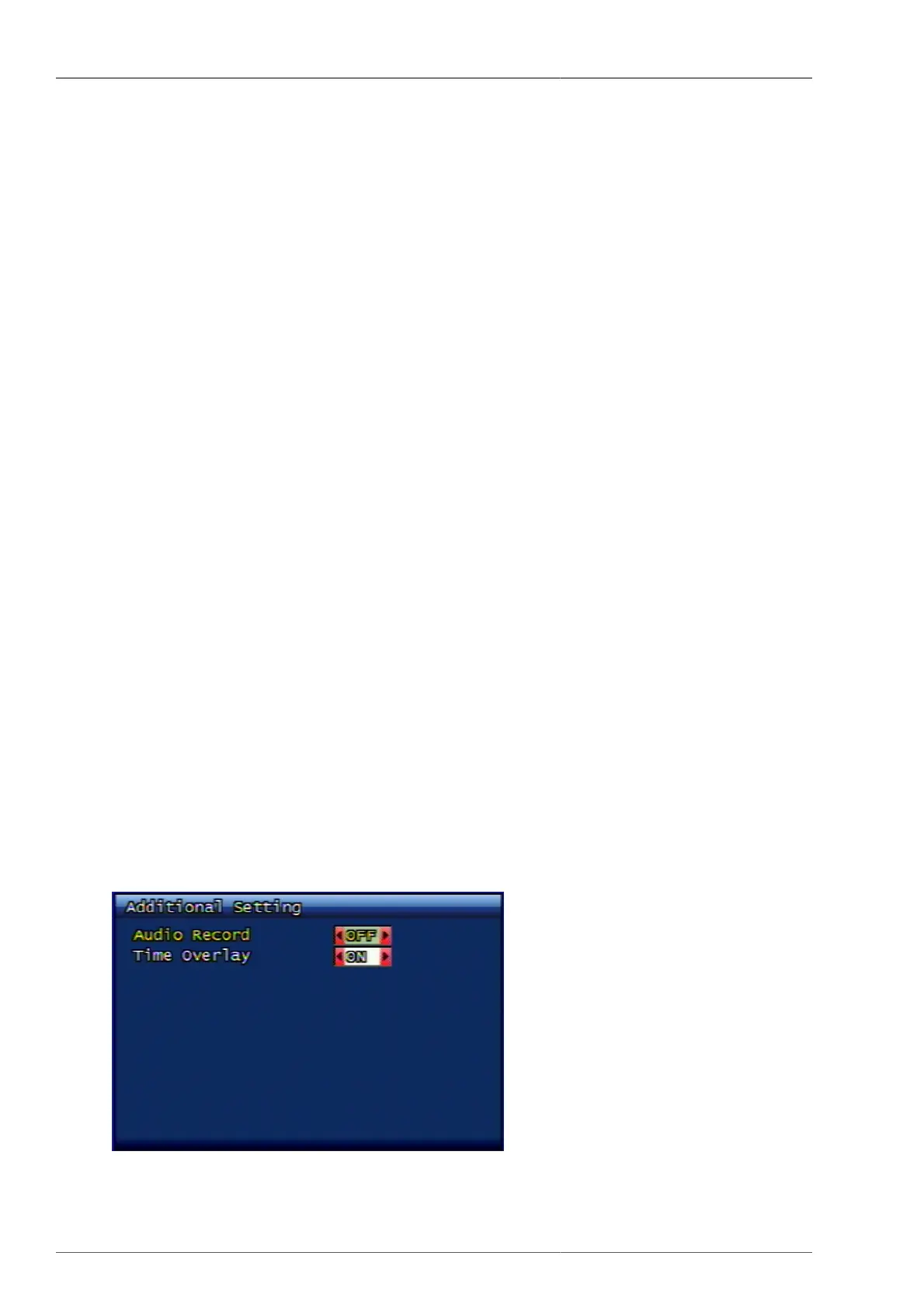
3.2.1. Addition Setup
Figure 3.8. Additional Recording Setup



 To Next Page