PC Client Introduction
58
button is pressed, UniPlayer_H264 is to be executed. For more information about UniPlayer_H264, please refer
to 4.4 clause contents.
4.4.4. FullScreen Display
From the main screen
button is pressed, Full Screen will be executed.
Figure 4.3. Full Screen Message
From the above message, either when the button is pressed, or when 5 seconds passes, it returns to Full Screen
mode automatically.
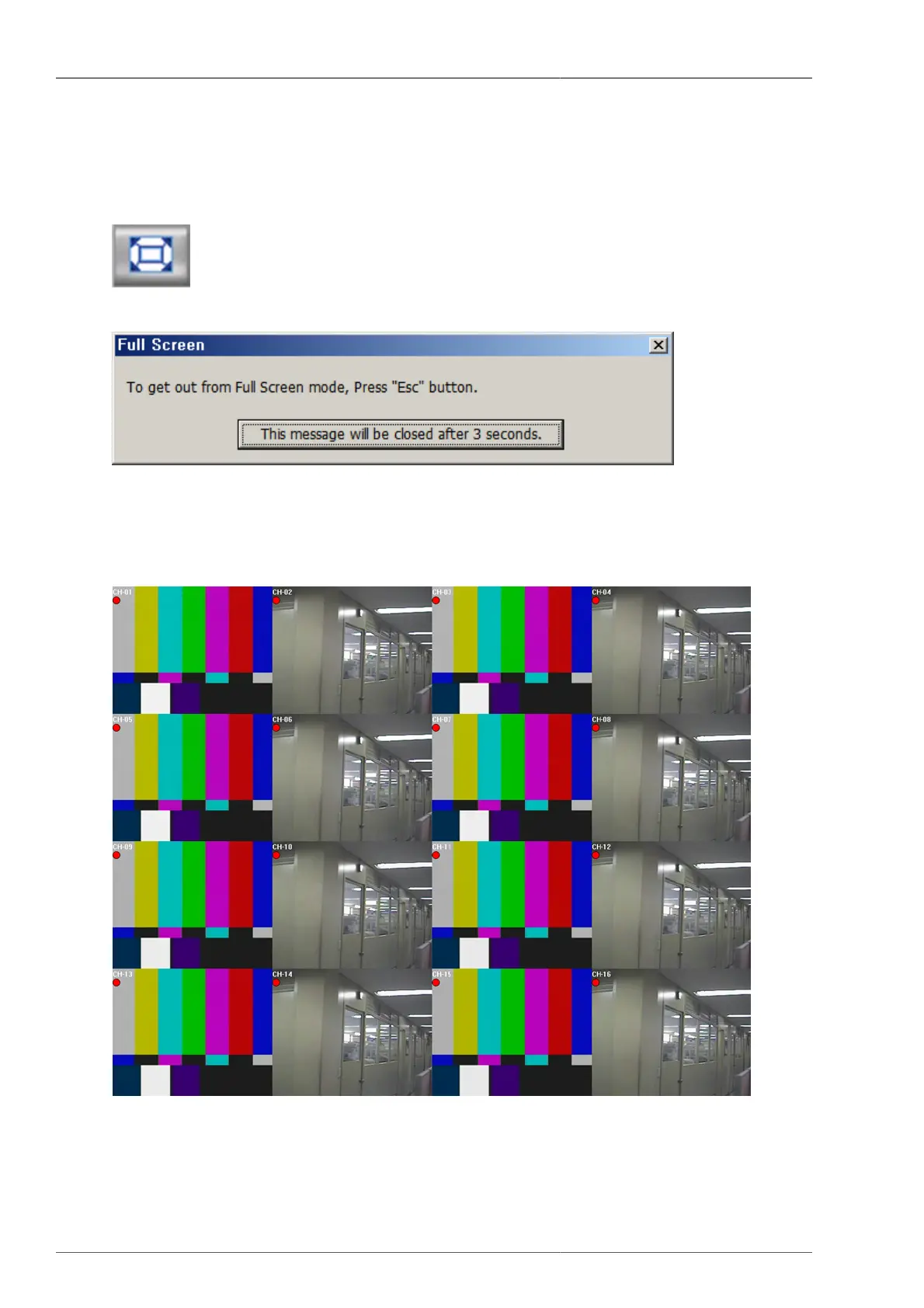
Figure 4.4. Full Screen
From here, when the user presses ESC key, then it returns to RAMS default screen. Current OSD to be displayed
is same as DVR icons. (channel name, recording option, motion icon, sensor icon)



 To Next Page