Main Menu Configuration
43
3.8.4. Channel
Selecting the channel for back up.
3.8.5. Back up start
This is to implement the backup on to the selected device after searching through all video data according to the
entered date, time, and event condition. In case of USB backup, backup progress rate bar is to be displayed on
the right bottom of the screen.
3.8.6. Format
If the back device is DVD-RW, this menu will be available. If the media is DVD-RW, by using this menu, please
proceed the format first and then start up the backup process. If the media is DVD-R, the backup process takes
place without formatting.
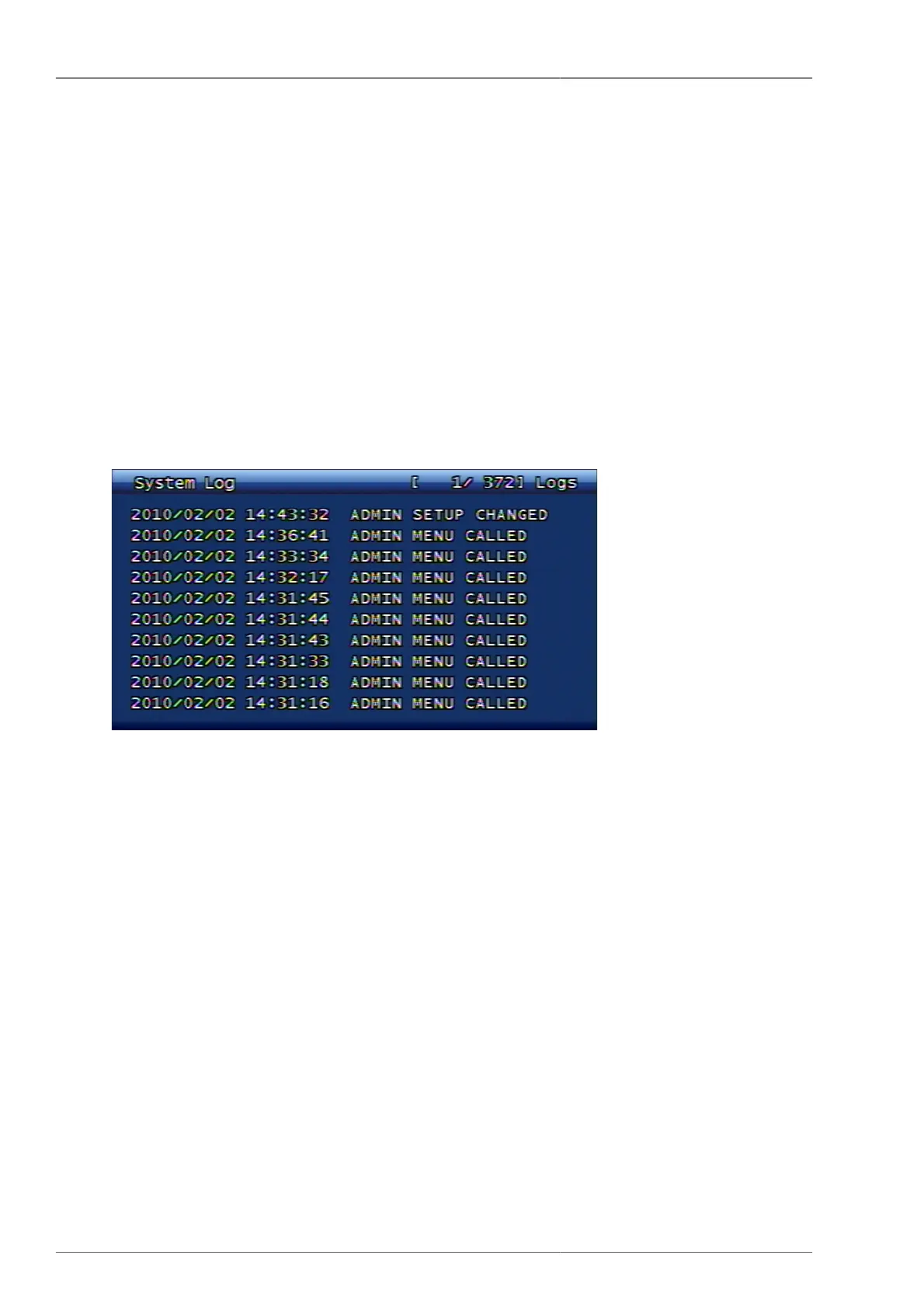
3.9. System Log
Figure 3.54. System Log Screen
This function shows the important activities on system. Activities to be saved on system log are as following;
Video Loss
It saves to log together with channel information when the Video Loss takes place.
WatchDog
If the DVR turns to abnormal condition, it resets the DVR and save the Watchdog log. For more detailed
Watchdog list, please refer to Section C.2, “Watchdog List”.
Power On / Off / Reset
• Power reset by time out during CD-RW backup
• Power reset by network type change
• Power reset by hard disk format
• DVR power reset execution by web command
• DVR power reset execution by console
• Power reset by software upgrade



 To Next Page