PC Client Introduction
108
This is the watermark verified screen. If you find any other color except black, white and blue, then it's the damaged
still image file.
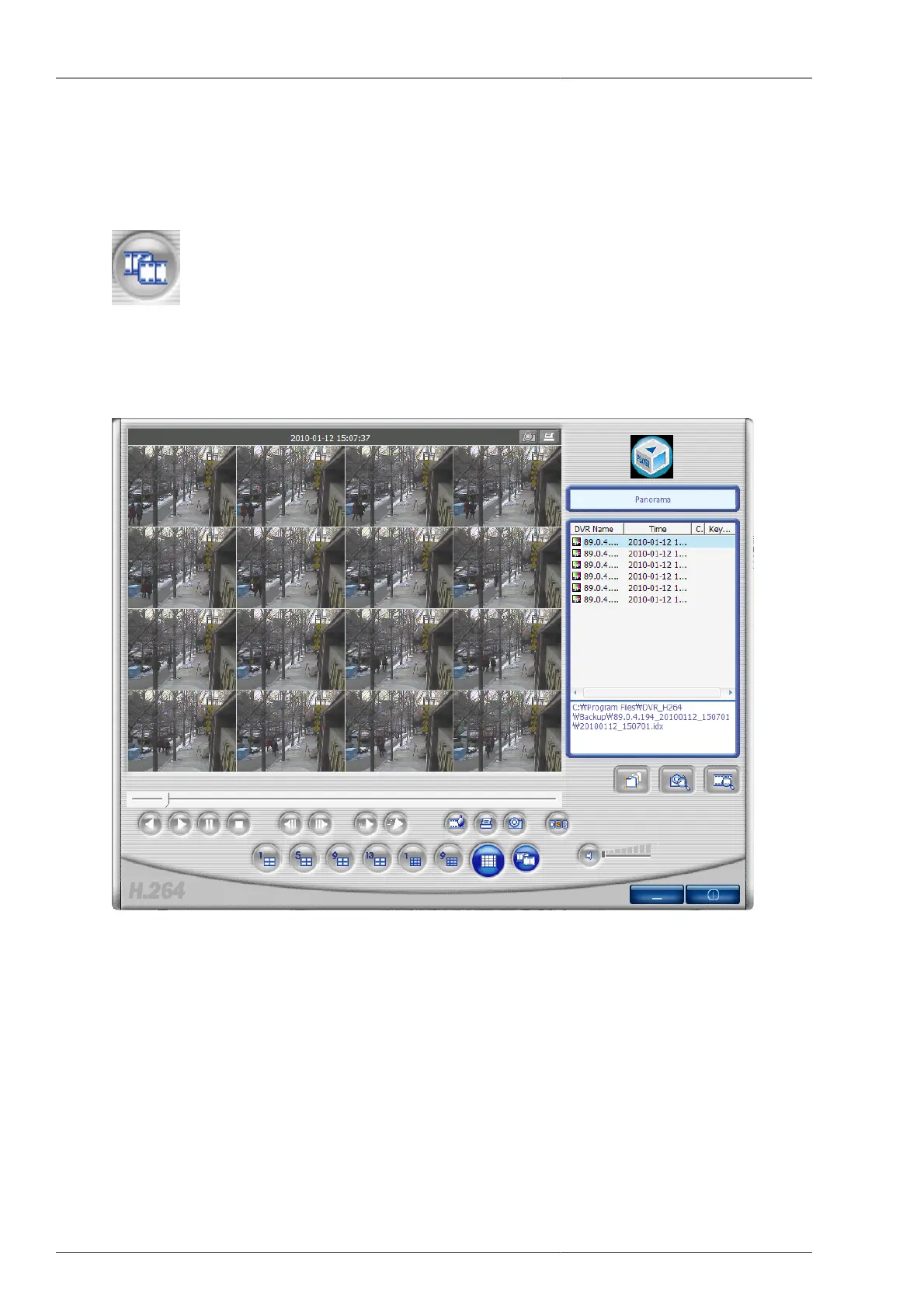
4.6.9. Panorama
When
button is pressed during playback, the user can have panorama mode screen. And by using reversed playback
button and playback button, the user can control the playback forward or reversed. Furthermore the user can select
one channel out of 16 channels and view it as 640x480 image. To exit panorama mode, please press panorama
mode button once more. Then the program returns back to previous mode.
Figure 4.64. Panorama Screen



 To Next Page