Main Menu Configuration
18
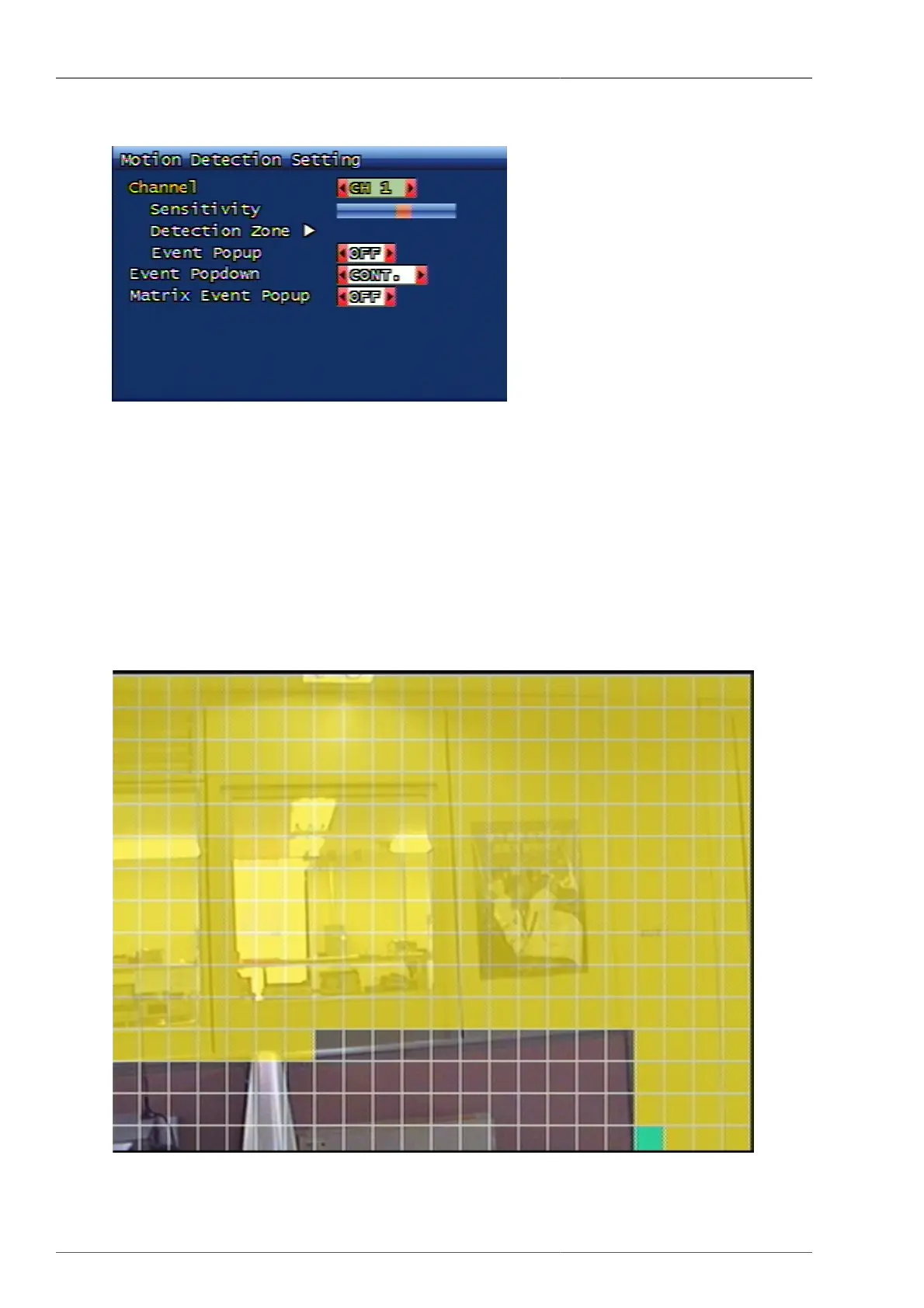
3.3.1. Motion detection setup
Figure 3.12. Motion detection setup screen configuration
You can set up motion detection area and sensitivity.
3.3.1.1. Channel
Selection of specific channel for sensitivity and detection area setup.
3.3.1.1.1. Sensitivity
Setting up the motion sensitivity. When the red bar is closer to the left, sensitivity is low and when it's closer to
the right, sensitivity is high.
3.3.1.1.2. Detection Area Setup
Figure 3.13. Motion Detection Area Setup Screen



 To Next Page