PC Client Introduction
121
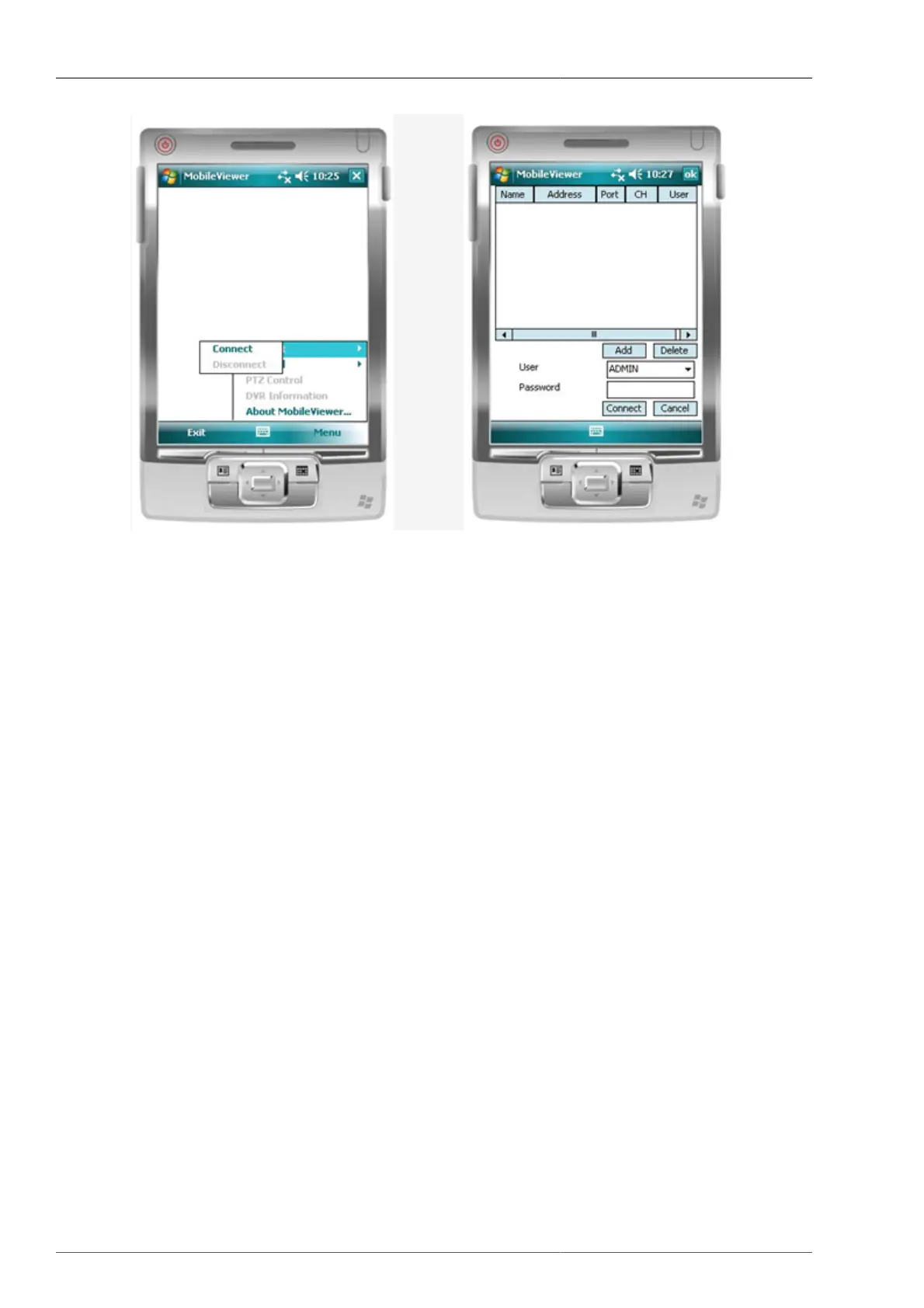
Figure 4.82. Connect screen
• This is to select the Connect on menu.
• This is to input DVR address to connect by using Add button.
• Once the User and Password is entered, it automatically be saved on PDA for futue selection.
• If you don't enter it now, you need to input the data when connecting it.



 To Next Page