PC Client Introduction
74
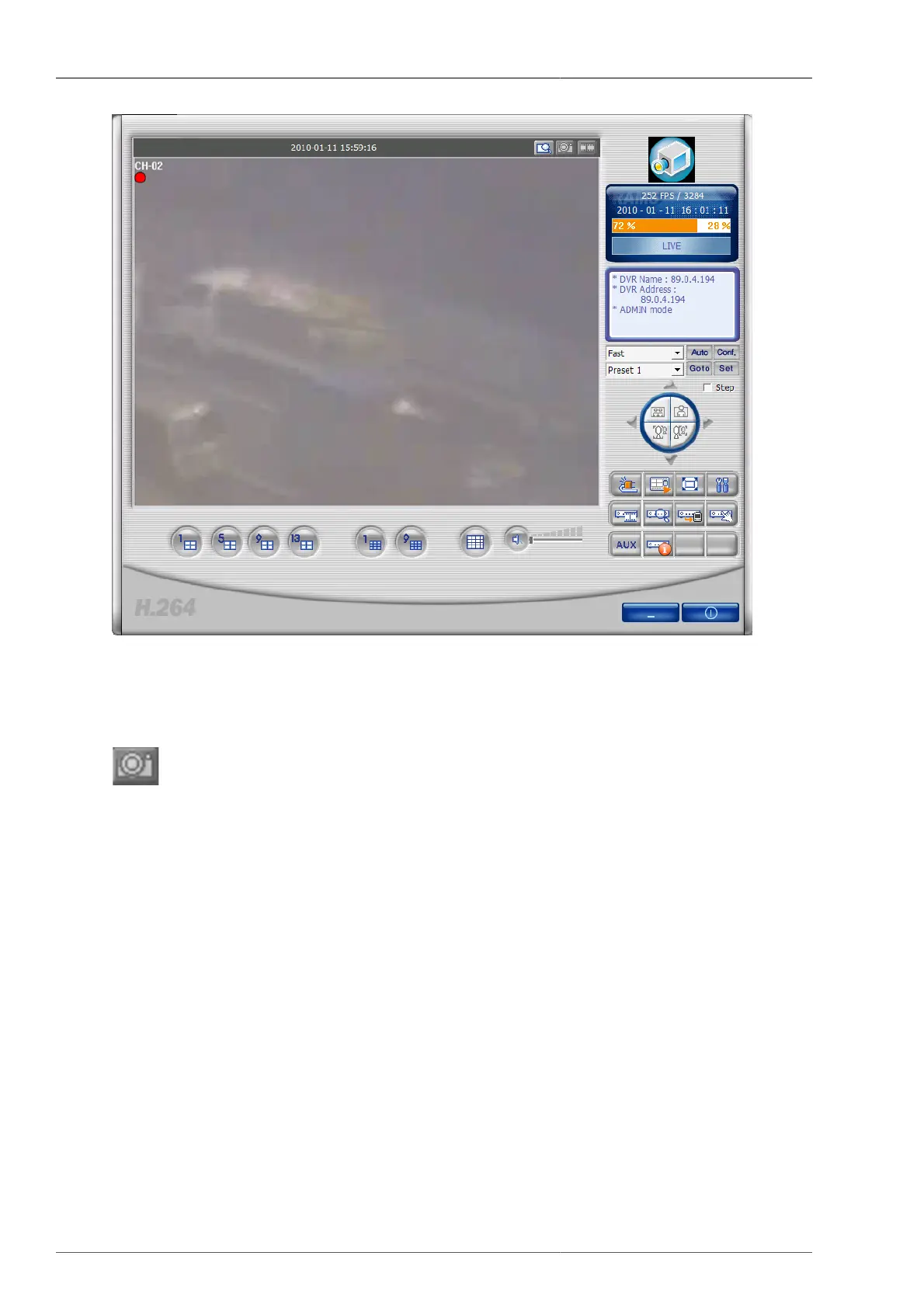
Figure 4.18. D-Zoom (Example)
4.4.12. Still Image Capture
From the currently displayed image (live image, DVR file playback image), the still image can be captured and
saved. The saving folder is the Frame folder under the directory that the program is installed as a default. Later
from program setup screen the user can change the saving file path to his own set directory, and afterwards the
relevant still image files are to be saved on to the changed folder.



 To Next Page