PC Client Introduction
116
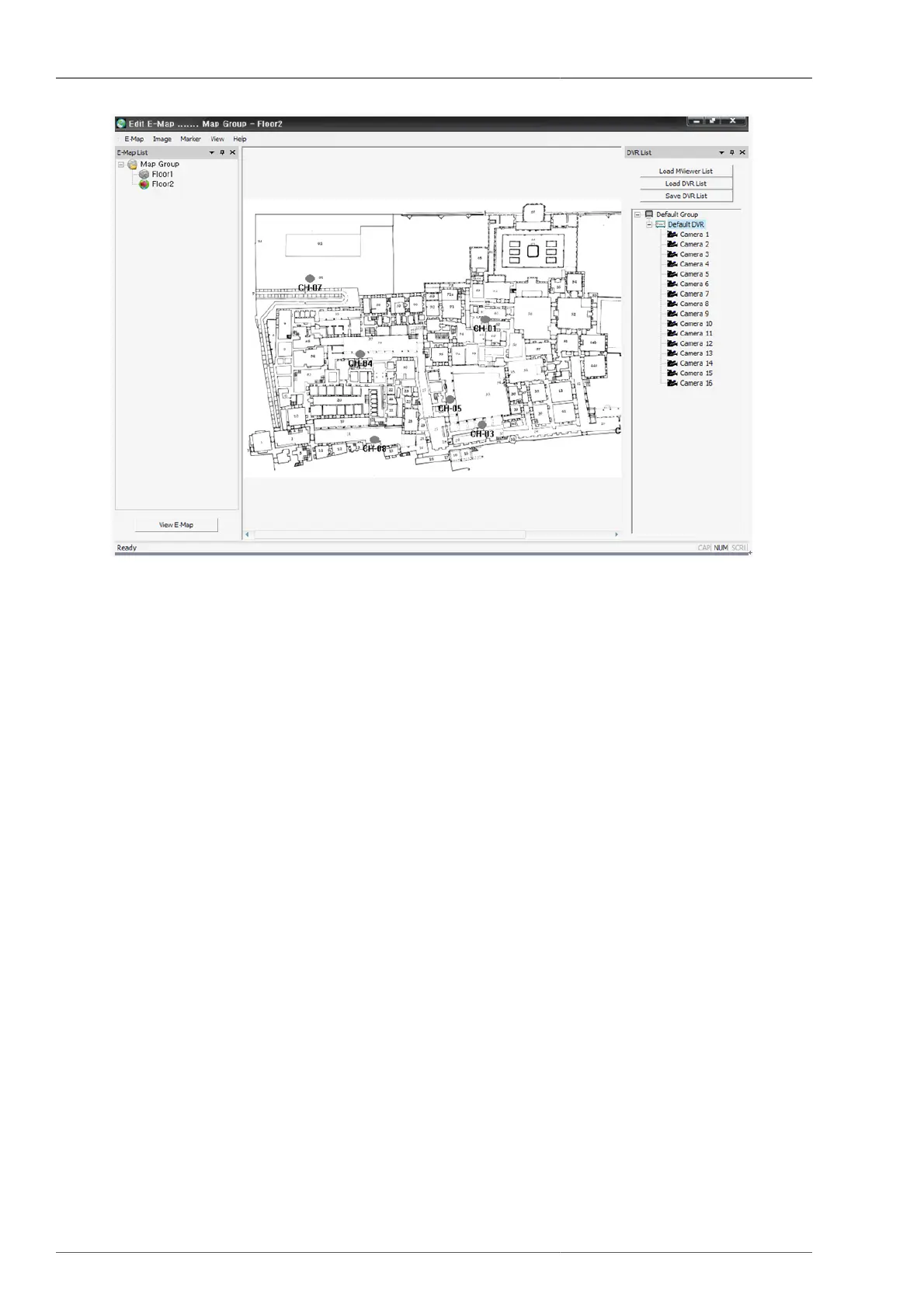
Figure 4.77. Edit Mode Screen
1. This is to configure DVR list.
• If the Multiviewer is installed, then the user can retrieve the MultiViewer list and utilize it.
• Click LoadMViewer List Button
• The user can organize the separate list to be used on Unimap.
• Use of Load DVR List button and Save DVR List button.
• On DVR list the menu will be called up by pressing the right button on the mouse.
• Read Camera name from DVR : This is to modify the list by reading the selected camera name from the
DVR.
• Add Group : This is to add DVR group.
• Modify Group : This is to modify the selected group.
• Delete Group : This is to delete the selected group.
• Add DVR : This is to add DVR.
• Modify DVR : This is to modify the selected DVR.
• Delete DVR : This is to delete the selected DVR.



 To Next Page