PC Client Introduction
104
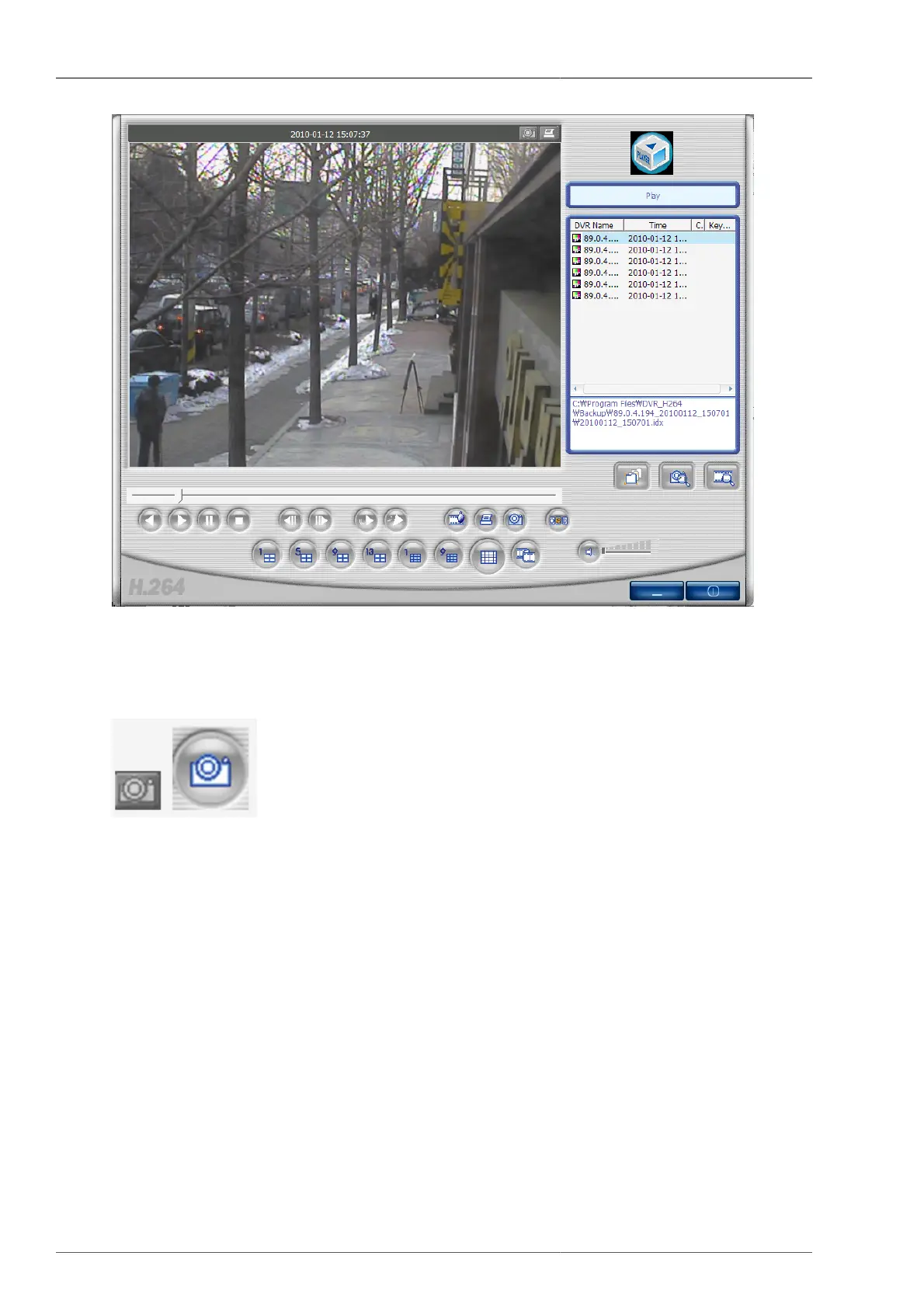
Figure 4.60. Screen under playback
4.6.5. Still image capture
This button enables you to capture and save the still image from the video data. The still image can be captured
by pressing the capture button on top of screen, or on the bottom of screen. The still image is to be saved on to
the directory folder where it's set on RAMS_H264 program setting screen.



 To Next Page