PC Client Introduction
78
4.4.16. DVR Information
Figure 4.25. DVR Information Callup Button
By pressing this button, currently connected DVR information is to be displayed on the screen.
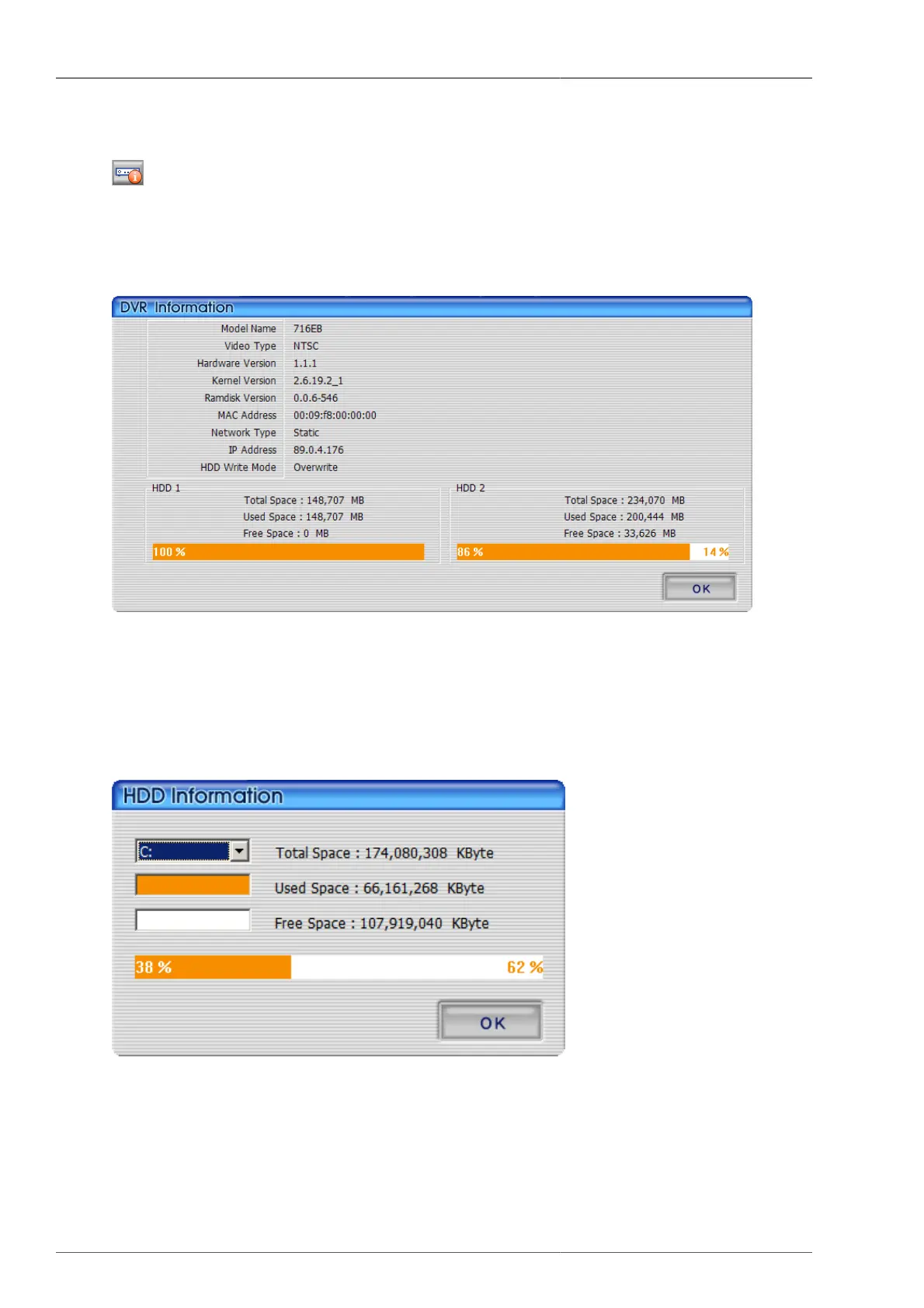
Figure 4.26. DVR Information
The user can verify DVR model, video type, program version, MAC address, network type, IP address, HDD
information.
4.4.17. HDD Information
Figure 4.27. HDD Information
Organge-colored portion of % is the used up hard disk capacity and white-colored portion of % is the balance
capacity of hard disk. By clicking this part, more detailed hard disk information window will pop up. The user
can select the hard disk to check the detailed information, balance capacity and used up capacity with Kbyte unit
display. Pressing OK button will close the screen.



 To Next Page