PC Client Introduction
85
This is to input the Group name and password to add.
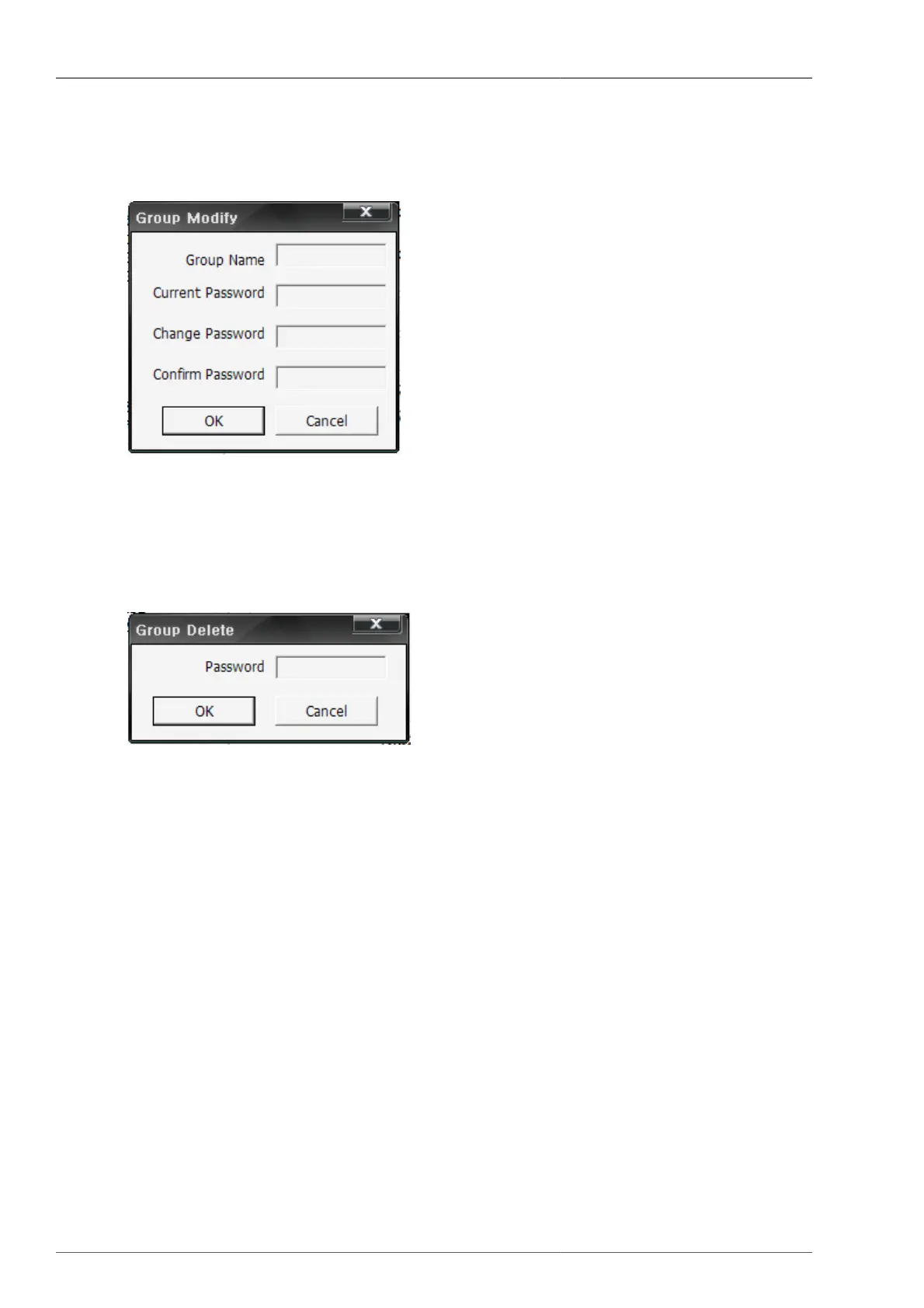
• Group Modify : This is to modify the selected Group.
Figure 4.36. Group Modify Screen
This is to input the name and password to modify.
• Group Delete : This is to delete the selected Group.
Figure 4.37. Group Modify Screen
This is to delete the selected Group if the saved Group password and entered password are identical.
• This is to enter DVR Name, DVR Address, Port, Model, Channel to connect, User, Password
• DVR Add : This is to add the DVR to the selected Group list with entered DVR information.
• DVR Modify : This is to modify the selected DVR information with the entered DVR information.
• DVR Delete : This is to delete the selected DVR.
• Connection : This is to save the entered DVR list up to now and to connect to selected Group DVRs.
• Save : This is to save the DVR list, being entered up to now.
• Cancel : Without saving the entered DVR list, the user closes the connection list management screen display.



 To Next Page