PC Client Introduction
60
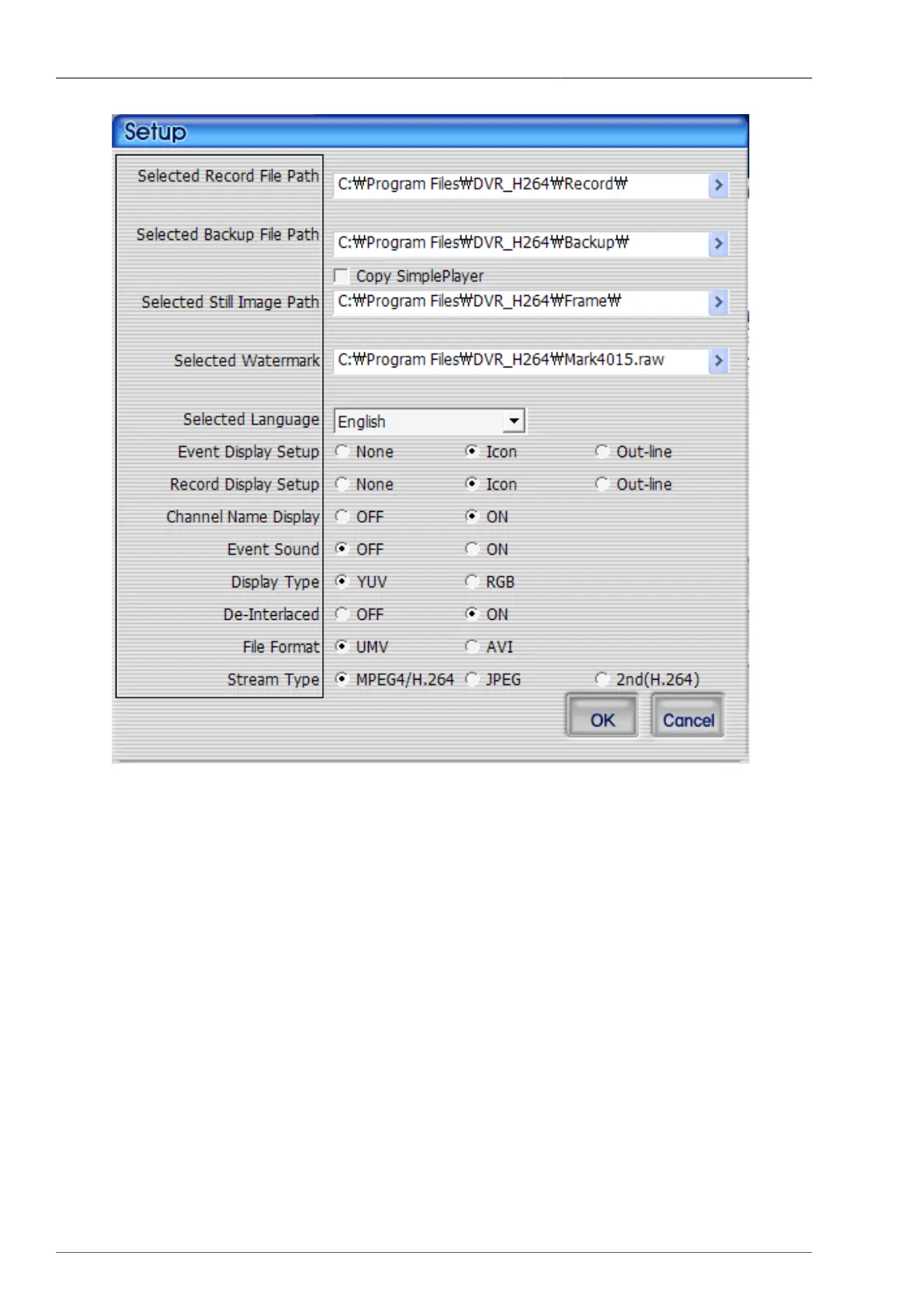
Figure 4.6. Program Environment Setup Screen
1. Recroding file saving path : When the recording is to be made on RAMS program, recording file saving path
needs to de determined.
2. Backup file saving path : When the backup is to be made on RAMS program, backup file saving path needs
to de determined.
• SimplePlayer copying : In case of backup, you may select if the SimplePlayer program will be saved onto
the same backup path.
3. Still Image Saving Path : You need to select the saving folder after capturing still images.
4. Watermark path : You may select watermark image to insert onto still image.
5. Selected Language : This is to set up the program under user-preferred language.
6. Event Display Setup
• None : Event is not to be displayed on screen.
• Icon : When the motion or sensor event takes place, the icon is to be dsiplayed on screen.



 To Next Page