Main Menu Configuration
39
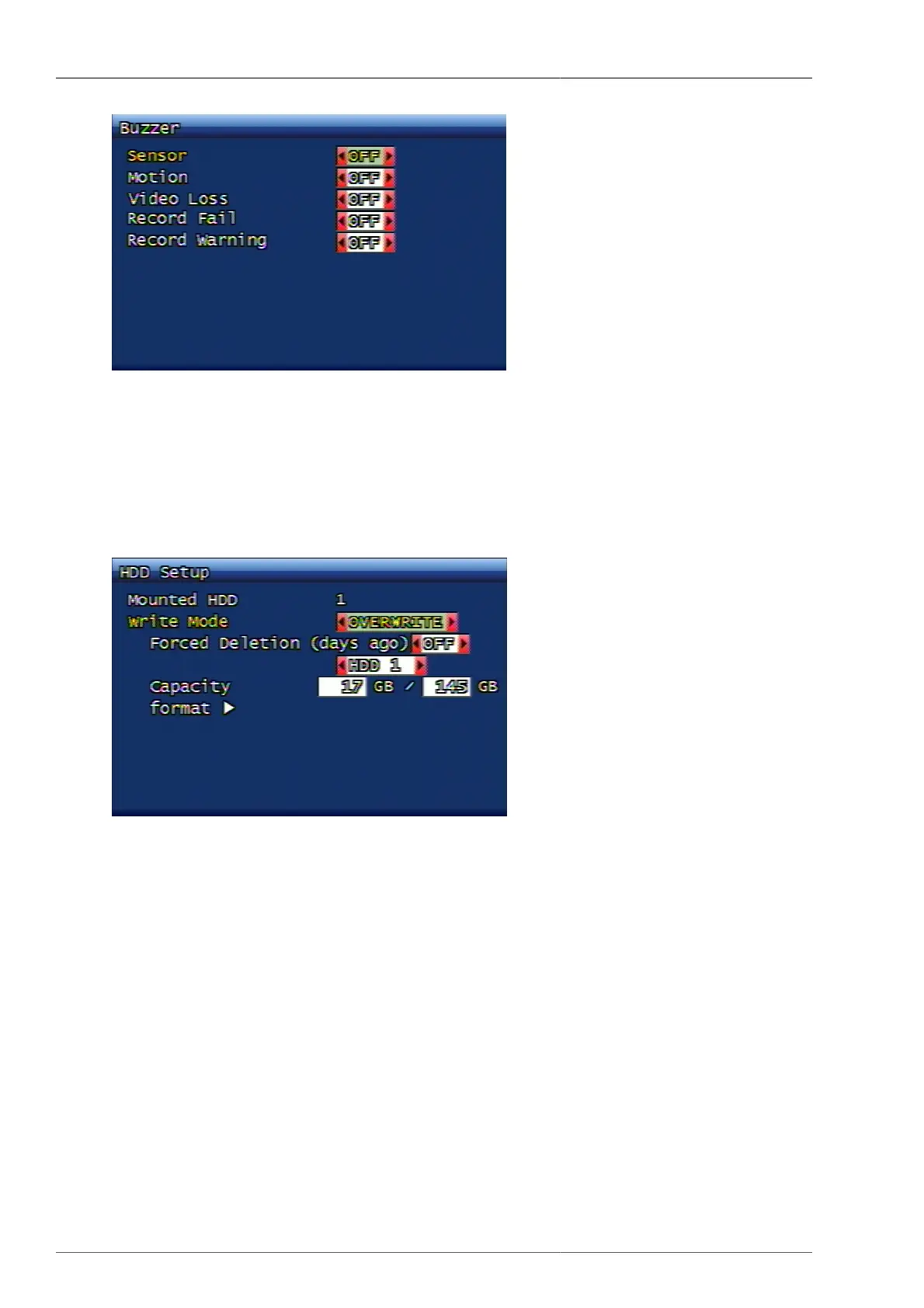
Figure 3.46. Buzzer Setup Screen
3.7.5. Language
This is to change the language. Please refer to Section 3.10.7, “Language” for the supported language list.
3.7.6. Hard Disk
Figure 3.47. Hard Disk Setup Screen
3.7.6.1. Hard Disk Quantity
It displays the quantity of Hard Disk installed at current DVR system.
3.7.6.2. Writing Mode
This is to set up if the HDD will be over-written once or multiple during video recording. Possible setup content
is Once and Overwrite. If it's set up on Once, then the DVR records the data until the hard disk becomes full and
then stops recording. If it's set up as Overwrite and when the hard disk becomes full, then the DVR continues
recording by overwriting the most old video data.
3.7.6.3. Forced Deletion (until how many days)
This is a forced deletion function to erase all previously recorded video data by force from the specific date saved
on HDD. The dates subject to forced deletion is from 1 up to 100 days. If it's set OFF, then the foreced deletion
is not in effect. For example, when it's set to 30, all the previous video data from the saved recorded data will be
deleted by force up to previous 30 days from today.



 To Next Page