PC Client Introduction
86
4.5.4. Connection
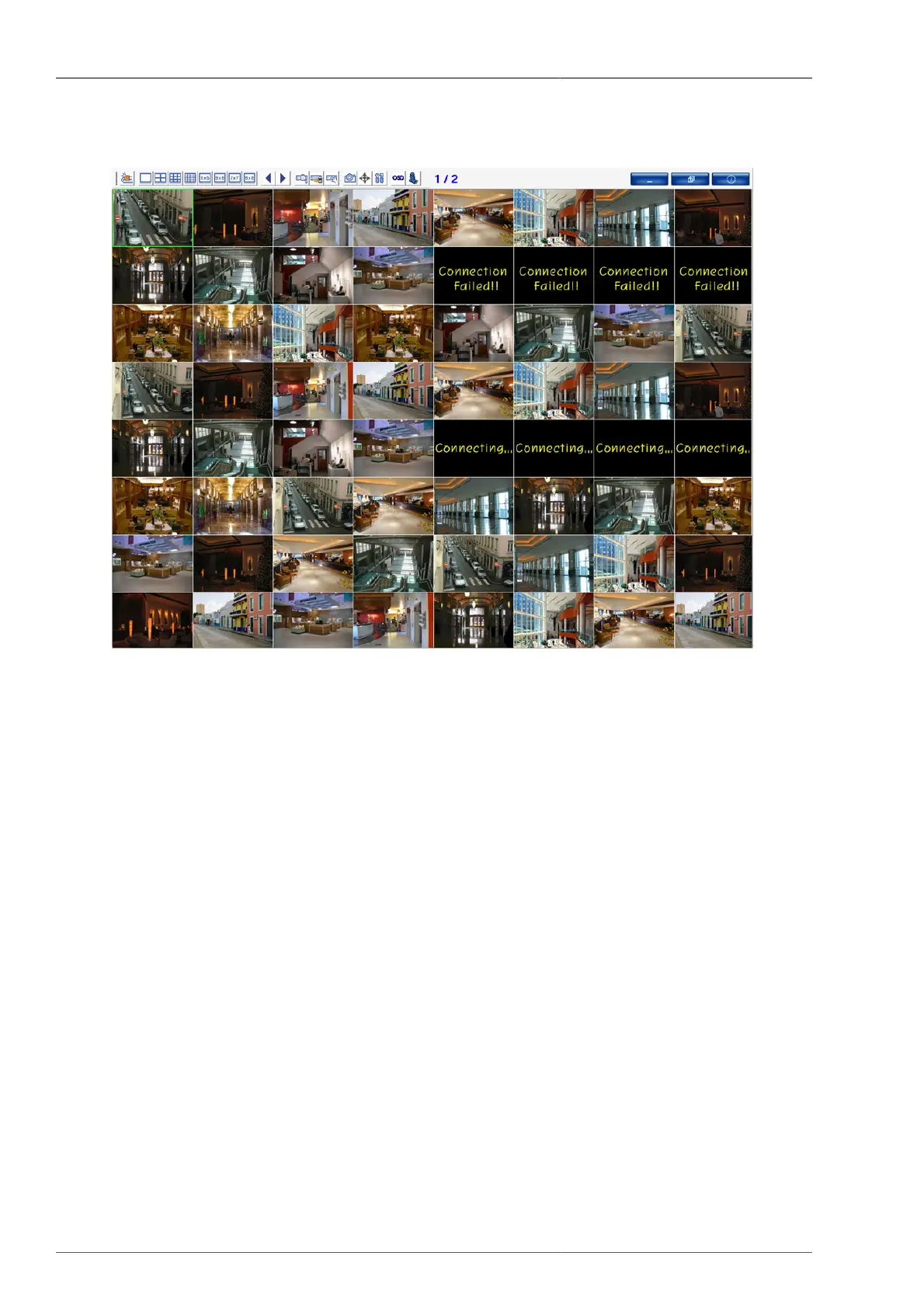
Figure 4.38. Connected Screen
Green squared box is currently selected channel.
4.5.5. Selected Channel Information
• From the currently selected channel, once the right mouse button is pressed, Channel Info Popup window is
activated.
• By clicking Channel Info Menu, the currenly selected channel information can be verified.
• If the selected channel is not connected and error displays, the user can figure out the cause of error.



 To Next Page