Main Menu Configuration
35
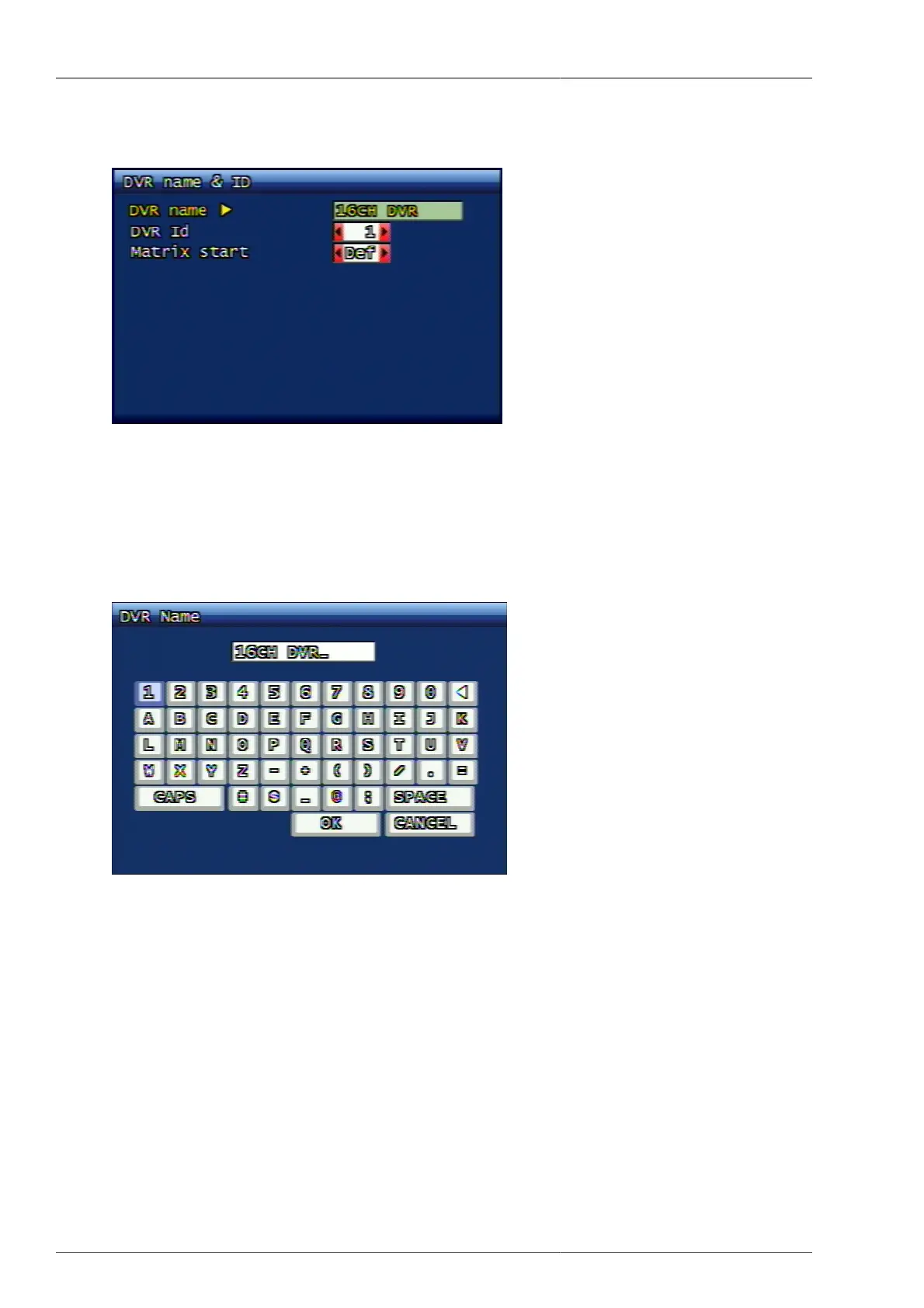
3.7.1. DVR Name ID
Figure 3.39. DVR Name ID
3.7.1.1. DVR Name Setup
This is to set up DVR system name. When the virtual keyboard is displayed as shown below, the user can enter
the preferred name up to max. 12 digits by using the keyboard characters.
Figure 3.40. DVR Name Input Screen
By using CAPS button, capital letters and small letters are exchanged. By using RPLAY button, the user can delete
the wrongly-entered letters. OK button applies the entered name and proceeds to upper menu. CANCEL button
doesn't take the entered name, but use the old name and proceeds to upper menu.
3.7.1.2. DVR ID
If the user is controlling several DVRs by one remote controller, the user can distinguish the remote command
by using each DVR ID.
3.7.1.3. Matrix Startup Value
When the multiple DVRs are connected under Matrix function, each DVR's starting value can be set up and
individual channel of each DVR can be distinguished.



 To Next Page