PC Client Introduction
112
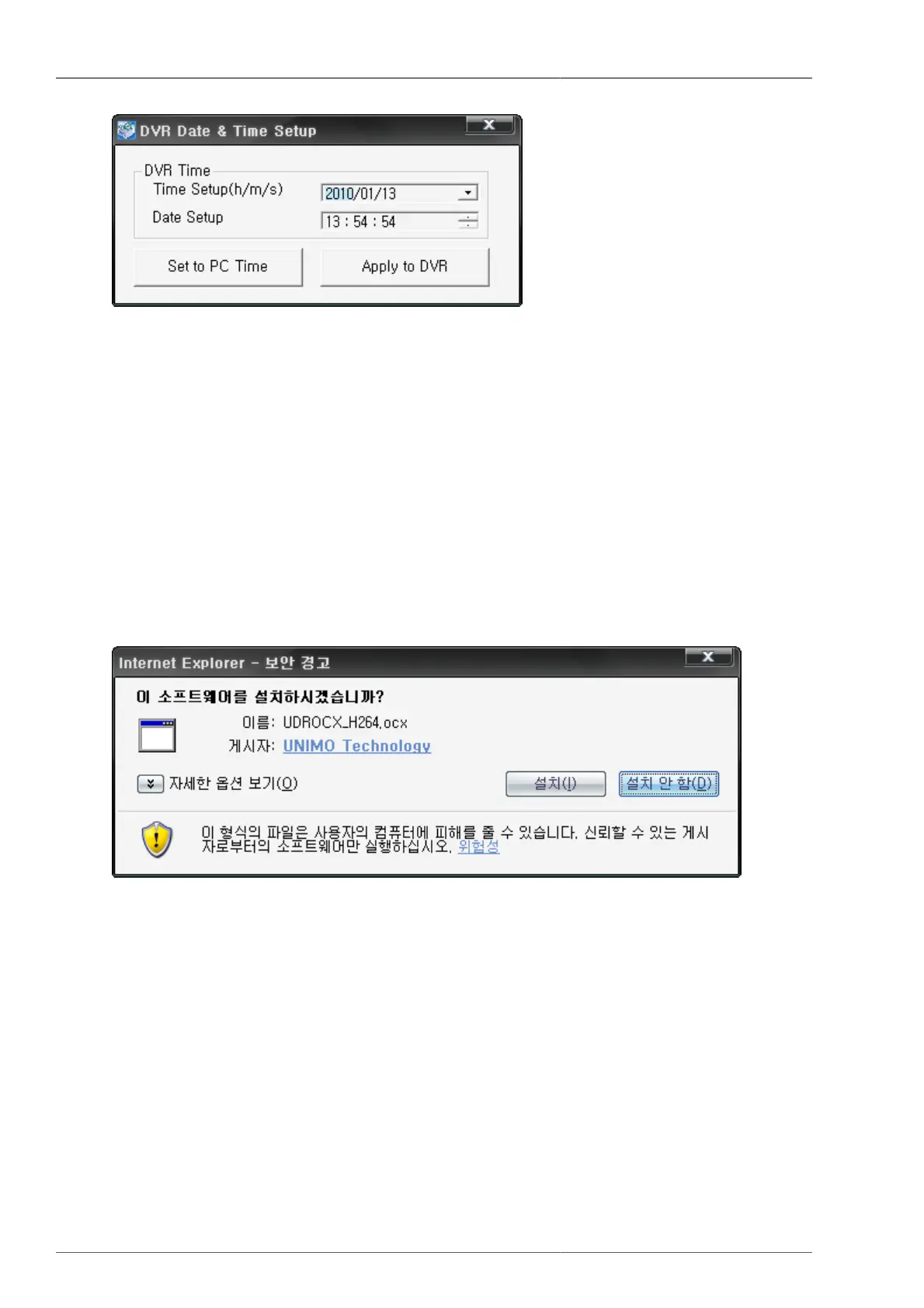
Figure 4.71. DVR Date & Time setup
By using Set to PC Time button, current PC time is to be retrieved. And then by pressing Apply To DVR button,
you can set up the DVR time.
4.8. ActiveX
4.8.1. DVR connection by Internet Explorer
4.8.1.1. ActiveX Control Download
This is to enter DVR address to connect on explorer address window. When connecting the DVR, if you find the
following message, please click 'installation' button. Then ActiveX is to be installed. (If you select 'no installation',
then the program won't work)
Figure 4.72. ActiveX Installation Confirmation Window
4.8.1.2. DVR and connection
Please input DVR IP address or DDNS address to be connected on to the address window on Internet Explorer.



 To Next Page