Main Menu Configuration
31
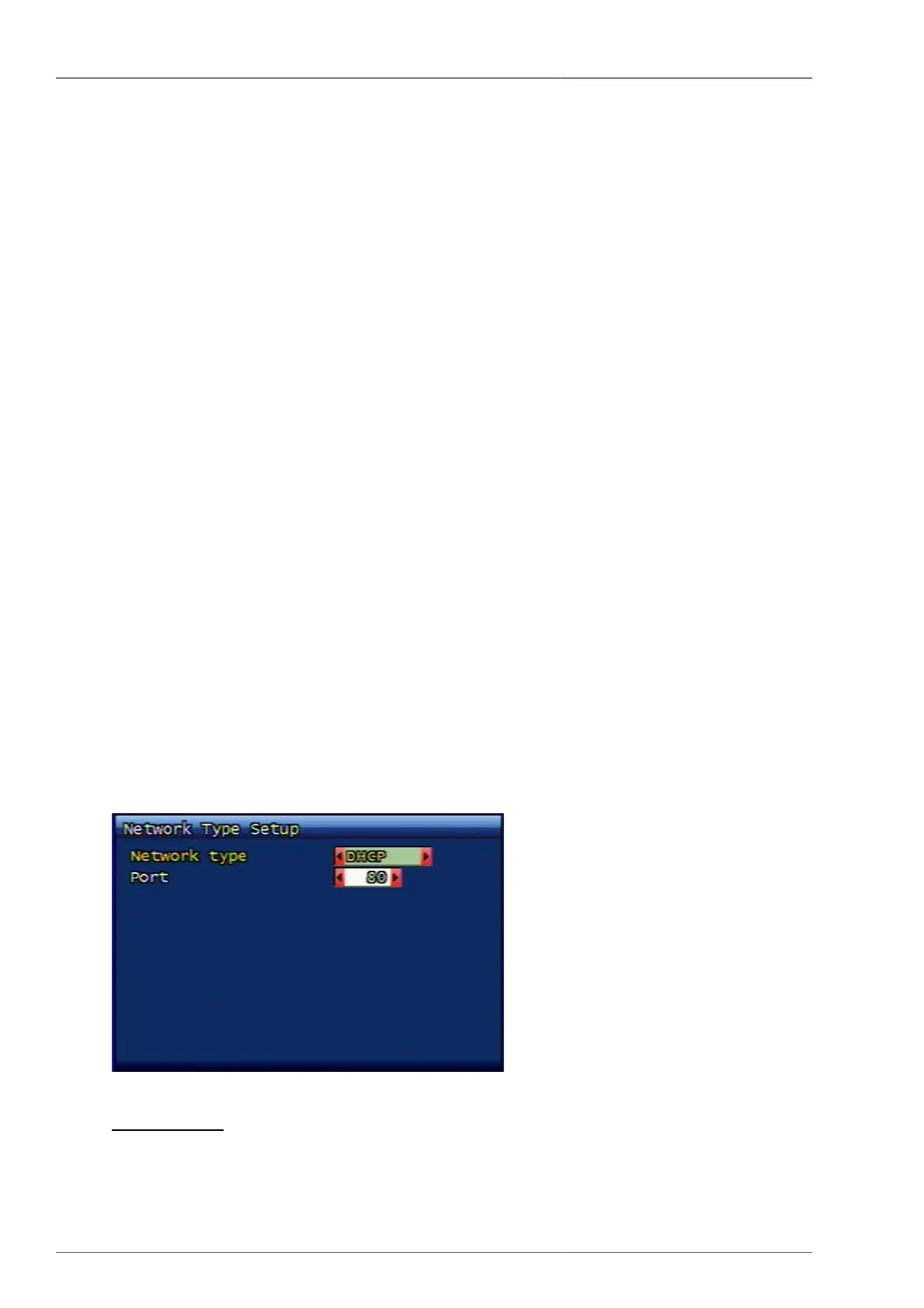
3.6.2.1.2. Port
By using RAMS(Remote Access Monitoring System), you can set up the port number to be used for DVR system
connection. Factory default value is port no. 80 (exclusive HTTP port). To increase, or to decrease the numbers,
you may use the front panel's shuttle for convenience.
3.6.2.1.3. IP Address
This is to set up fixed IP to be allocated to DVR system. To increase, or to decrease the numbers, you may use
the front panel's shuttle for convenience.
3.6.2.1.4. Subnet Mask
This is to set up subnet mask to be fit to DVR system network environment. To increase, or to decrease the
numbers, you may use the front panel's shuttle for convenience.
3.6.2.1.5. Gateway
This is to set up gateway address, being currently used on DVR system network environment. To increase, or to
decrease the numbers, you may use the front panel's shuttle for convenience.
3.6.2.1.6. DNS IP
The user can set up DNS address to be used on DVR system network environment
1
. To increase, or to minimize
the numbers, the user can use the shuttle on front panel of DVR for convenience.
• Korea Telecom : 168.126.63.1 or 168.126.63.2
• Hanaro : 131.107.1.7 or 210.94.0.7
• DACOM : 164.124.101.2 or 211.106.67.221
• Thrunet : 210.117.65.1 or 210.117.65.2
• Dreamline : 210.181.4.25
• Shinbiro : 202.30.143.11
3.6.2.2. DHCP
Figure 3.32. DHCP Setup Screen
1
Dispersed data base for the purpose of locating host IP by usnig host name. Normally the users understand the host as alphabetically-configured
name. However in communication network, numerically-configured IP address is used for host location. For the conversion between alphabetic
name and numeric address, the relevant data base is being used and this type of dispersed data base is called domain name system, or domain
name server.



 To Next Page