PC Client Introduction
70
4.4.9. DVR file backup
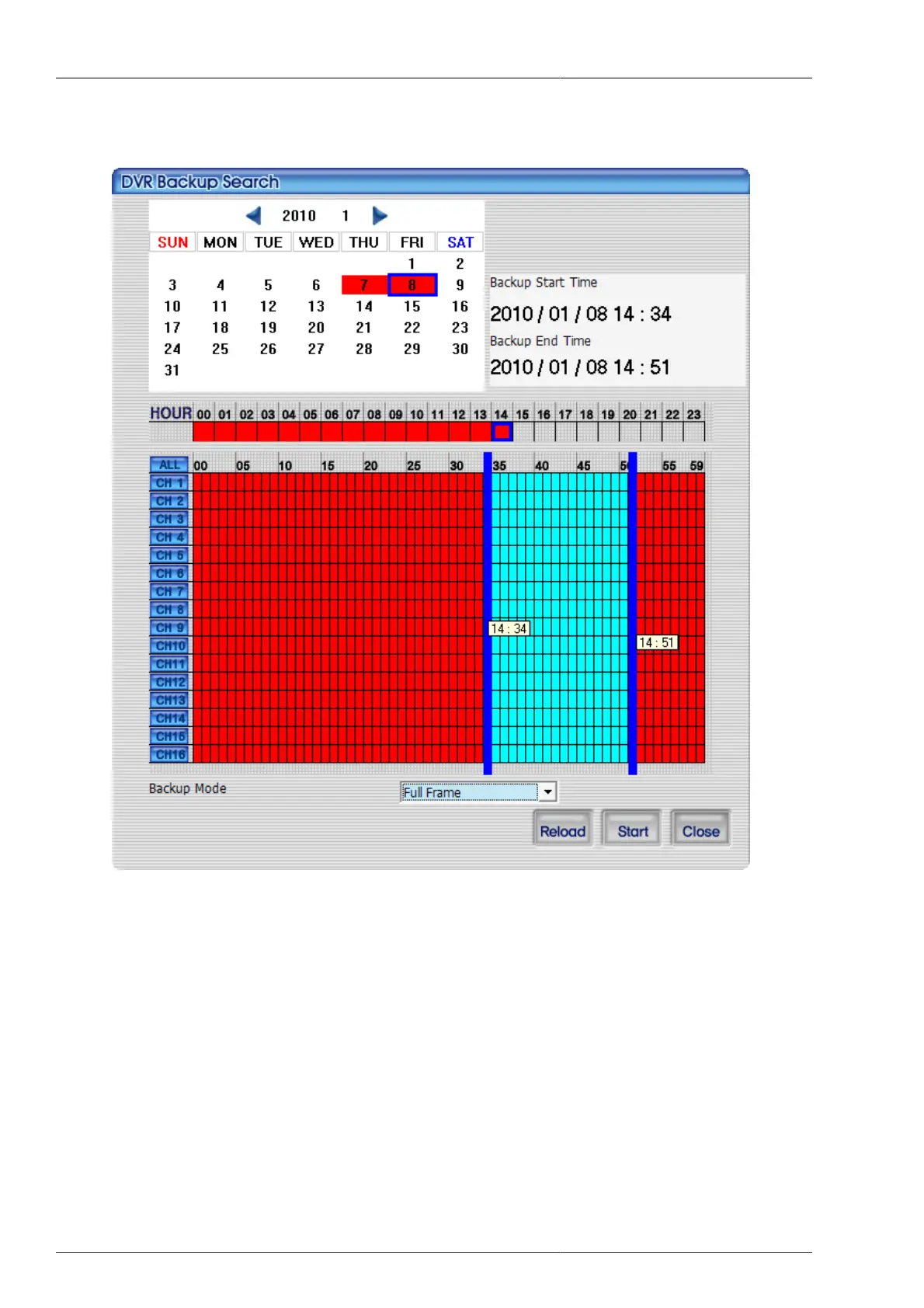
Figure 4.14. DVR file backup screen
Recorded video data information of connected DVR will be displayed on the calendar and time table. Double-
clicking left mouse button will enables the user to select the back up starting time and right mouse button for
backup termination time. Backup mode has two selections - Full Frame or Skip Frame. Full Frame mode will
take longer time, as it backs up all video data. Skip Frame mode will shorten the backup time by downloading the
partial video data. Reload button will retrieve the current calendar data from DVR. Close button will terminate
the calendar search screen.
Following is the display according to recording status.



 To Next Page