Main Menu Configuration
17
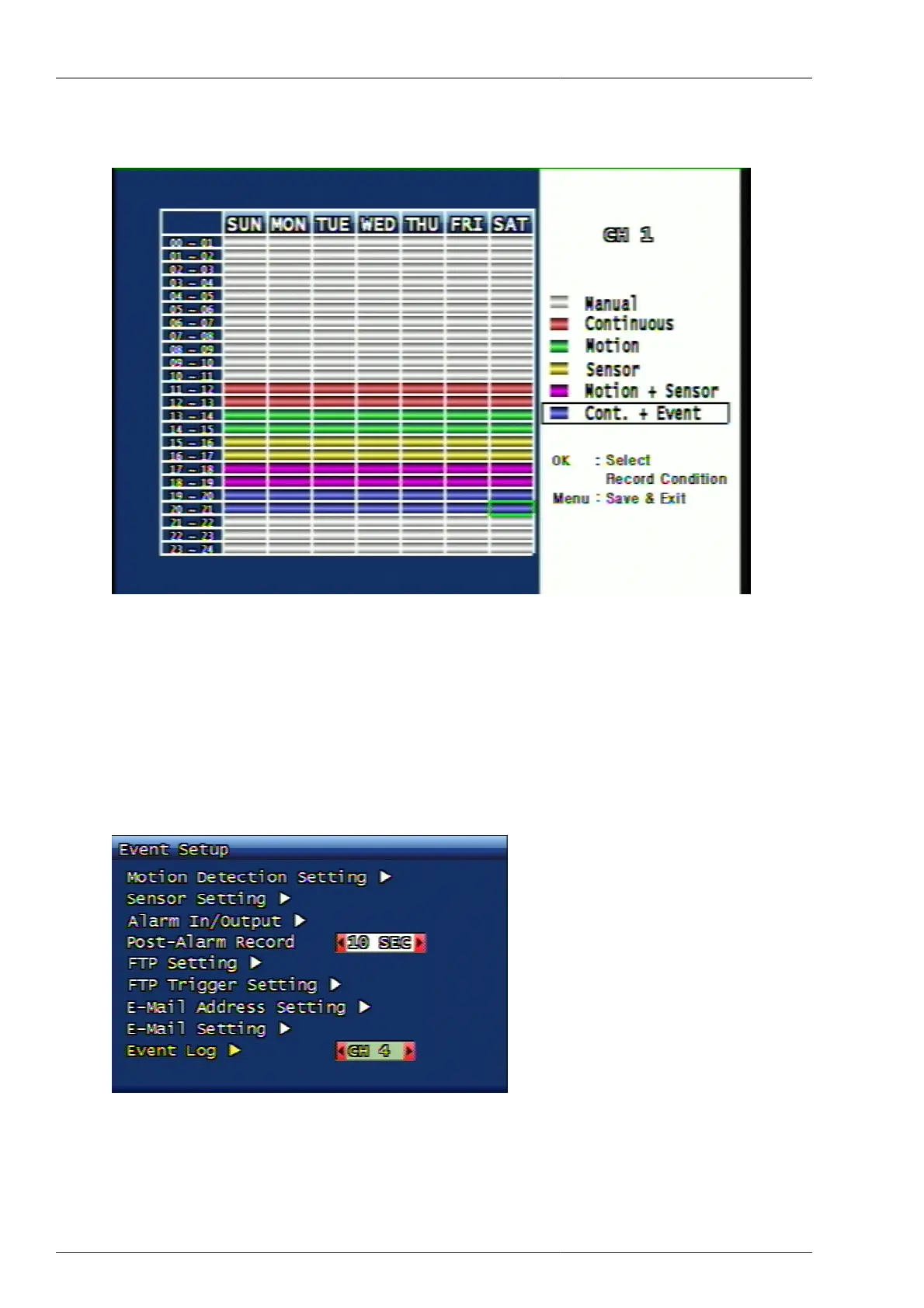
3.2.7. Recording Schedule Setup
Figure 3.10. Recording Schedule Setup Screen
It's possible to set up the recording schedule of a week or a day per date and time.
From the time zone where the cursor is located, the user can select the preferred recording or event by referring to
the referrence menu on the right. The cursor can be moved by using top, bottom, left and right button. After setup,
you can exit to the upper menu after saving the setup schedule by using Menu button.
3.3. Event setup menu configuration
Figure 3.11. Event setup menu configuration



 To Next Page