PC Client Introduction
114
1. Bottom located button on the screen - Screen splitting button and DVR file search button
2. Right button on the screen - PTZF Speed, Preset, PTZF button
3. By doing double-click on the screen, only one channel can be displayed.
4. Right bottom button is for re-connection button.
4.8.3. Search
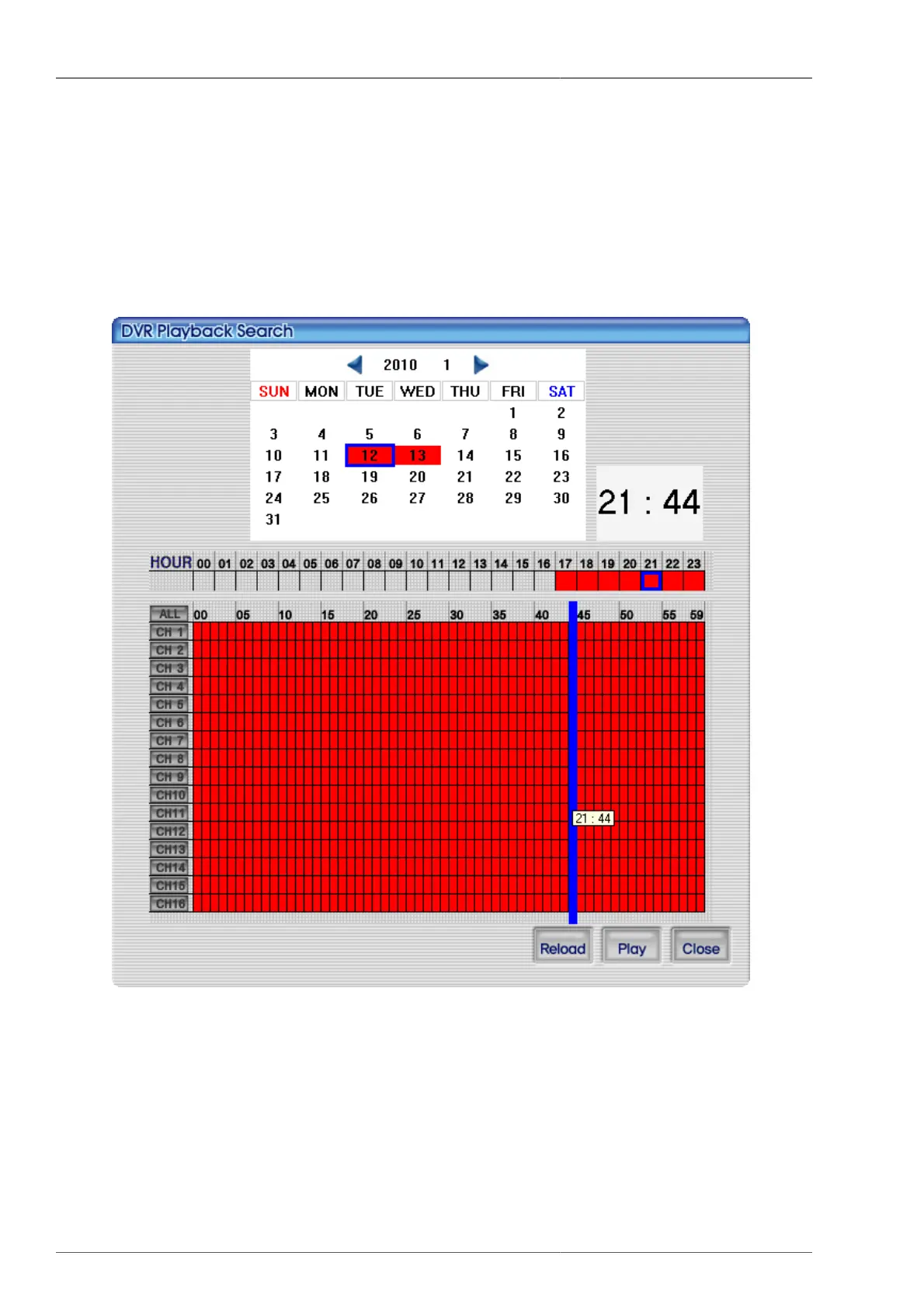
Figure 4.75. Search screen on ActiveX
You can run the playback by searching thru DVR data. It's same as RAMS_H264 search function. For more details,
please refer to Section 4.4.7, “DVR Playback File Search and Backup File Search”.



 To Next Page